
When a shopper finishes your quiz, bluebarry sends a Quiz Completed event to Klaviyo. Use it to start a flow that follows up while interest is high, with the products the quiz just recommended. Product checks send their own events, so you can follow up on a match or a miss.
The events bluebarry sends
- Quiz Completed: the shopper reached the results of a quiz.
- Product Check Matched: a product check said the product fits.
- Product Check No Match: a product check said another product fits better.
Events are sent for shoppers whose email bluebarry knows, for example because the quiz asked for it. When the email only arrives later, at checkout, the earlier quiz doesn't trigger these events. The answers still arrive as profile properties.
Create a flow on Quiz Completed
- Make sure Klaviyo is connected and one test quiz has synced. See Connect Klaviyo.
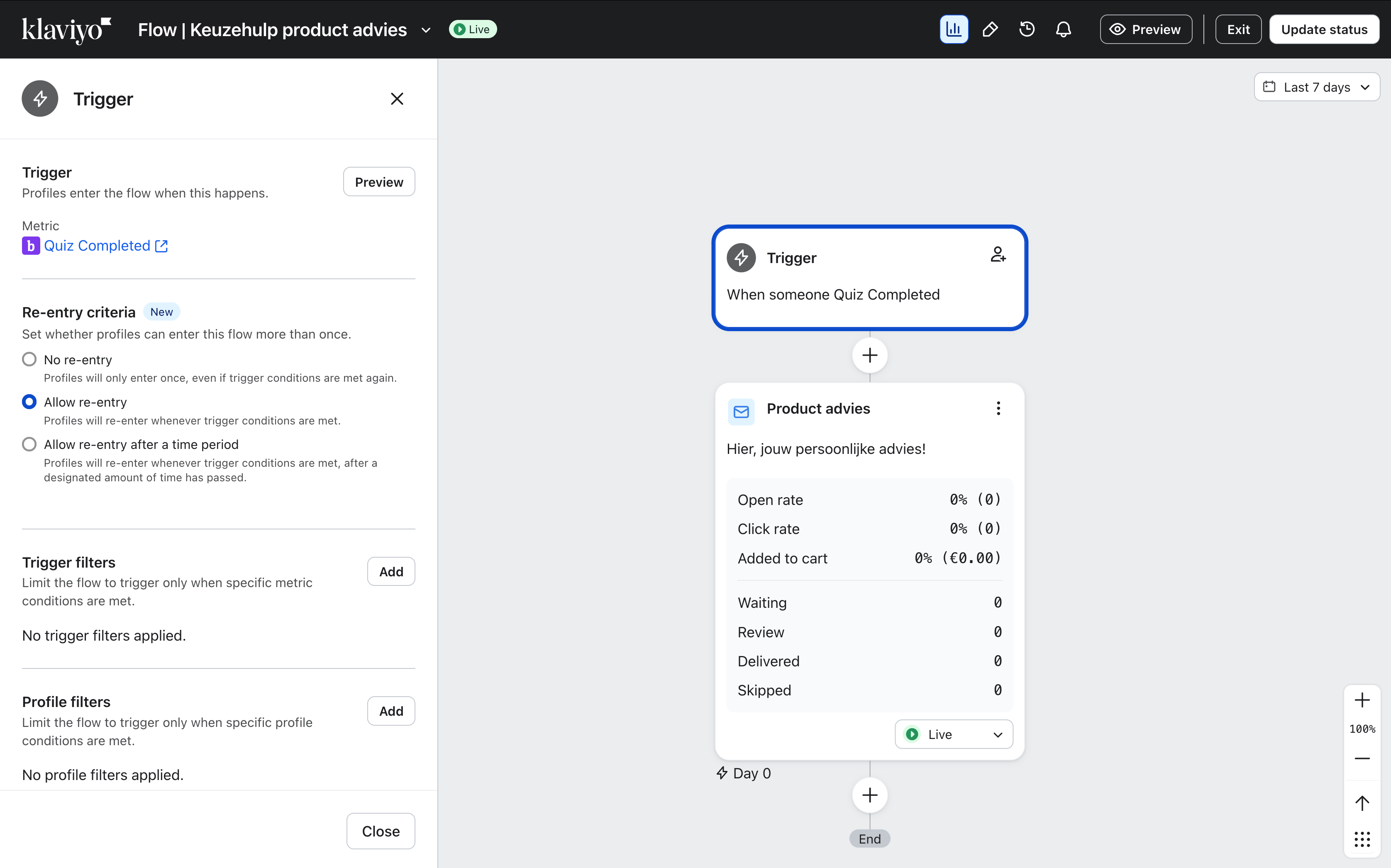
- In Klaviyo, create a new flow and build it from scratch.
- Choose a Metric trigger and select Quiz Completed. It has the bluebarry icon.
- Add your first email and save the trigger.
Data you can use in the flow
In your emails you reach these values as event. followed by the property name, for example event.quiz_name.
| Property | What it holds |
|---|---|
| quiz_name | The name of the quiz. |
| products | The recommended products in order, each with title, url, imageUrl, price, position, match_percentage and properties. |
| recommended_product_names | Just the names of the recommended products, in order. |
| event_time | When the shopper reached their results. |
| bluebarry_event_id | A unique ID for the event. |
| Property | What it holds |
|---|---|
| quiz_name | The name of the quiz behind the product check. |
| checked_product | The product the shopper checked, with the same fields as above plus is_match. |
| is_match | true for Product Check Matched, false for Product Check No Match. |
| match_percentage | How well the checked product fits. |
| recommended_products | Better-fitting products, in order. |
| best_matching_product | The top recommendation. |
| event_time, bluebarry_event_id | As above. |
The quiz answers aren't part of the event. They're on the profile, each under the question's internal name.
Run different flows for different shoppers
- Trigger filters look at the event. Use
quiz_nameto run a flow for one quiz only, orrecommended_product_namescontains a product name to follow up on a specific recommendation. - Profile filters look at the answers. Pick the property named after your question, for example Skin type, and set it to the answer, for example Sensitive. When a question allows several answers, they're stored comma-separated, so use contains instead of equals.
Clear internal names make this much easier. Rename questions like "Q1" to something like "Skin type" on the Test flow tab before you build flows on them.
Tips
- Send the first email right away. Interest is highest just after the quiz. Events usually reach Klaviyo within about a minute.
- Put the recommended products in that first email. See Add product recommendations to your Klaviyo emails.
- Use Product Check No Match to send the better match the shopper was shown, with
best_matching_product.