AI product finder for ecommerce
Filters make shoppers work. A product finder helps them buy.
Your catalog holds 50,000 answers. Every shopper arrives with one question: which of these is for me? A product finder (also called a product selector) asks three things and hands back the shortlist.
Free for 14 days · live in days, not months









A product finder does what your best salesperson would: it asks what the shopper actually needs, skips the 49,997 products that don't fit, and hands over the three that do.
Your filters ask for specs. Buyers don't know the specs.
Watt-hours, drop lengths, wire gauges. Filters assume the shopper already speaks your product language. Most don't, so they guess, give up, or open a competitor's tab. A finder asks what they're trying to do and translates that into specs on their behalf.
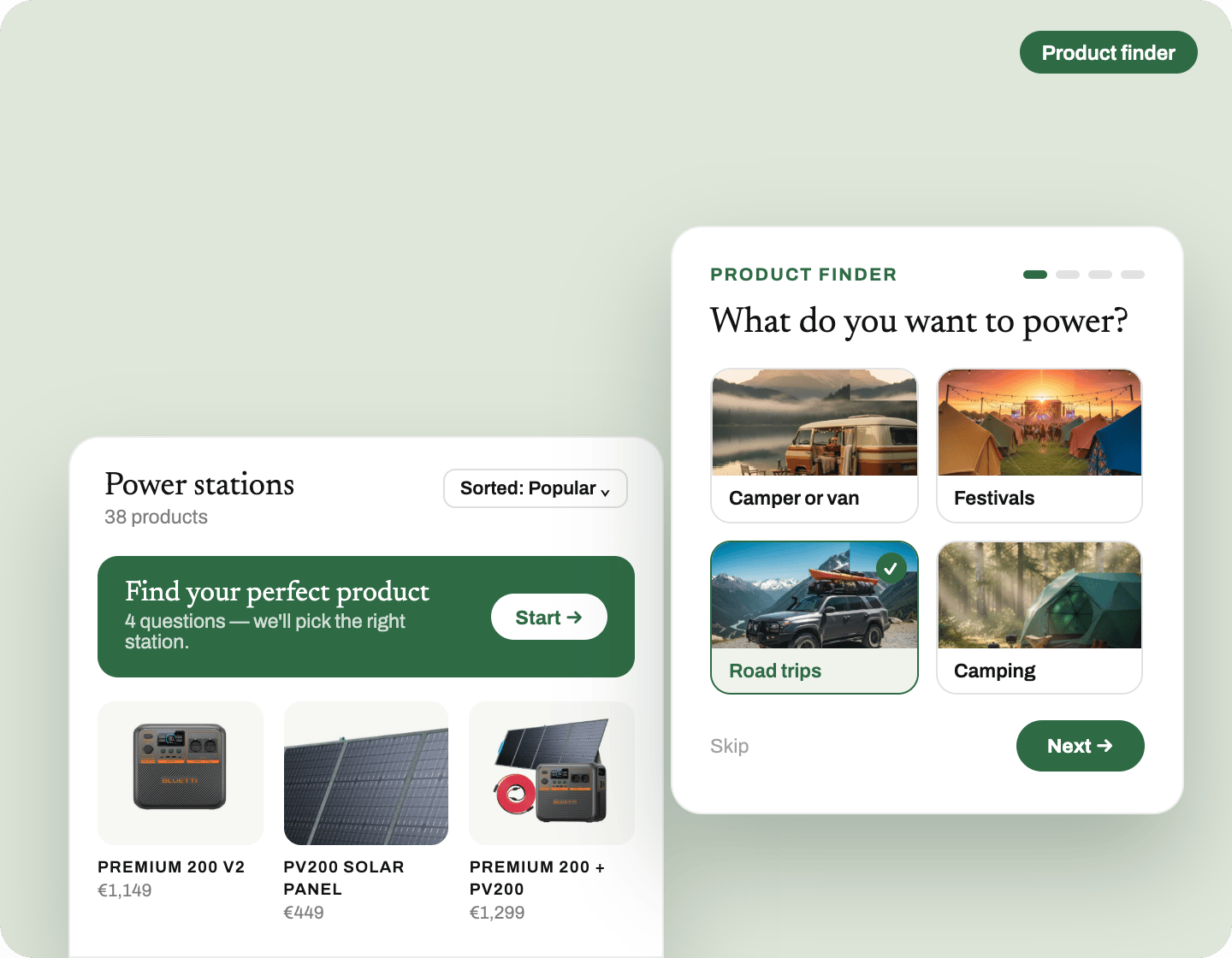
Thousands of SKUs, zero clue where to start.
Nobody compares 400 products. They scroll, they freeze, they leave. Choice paralysis is not cured by adding a sixth filter, it's cured by asking three questions and doing the choosing for them. That is the whole trick.
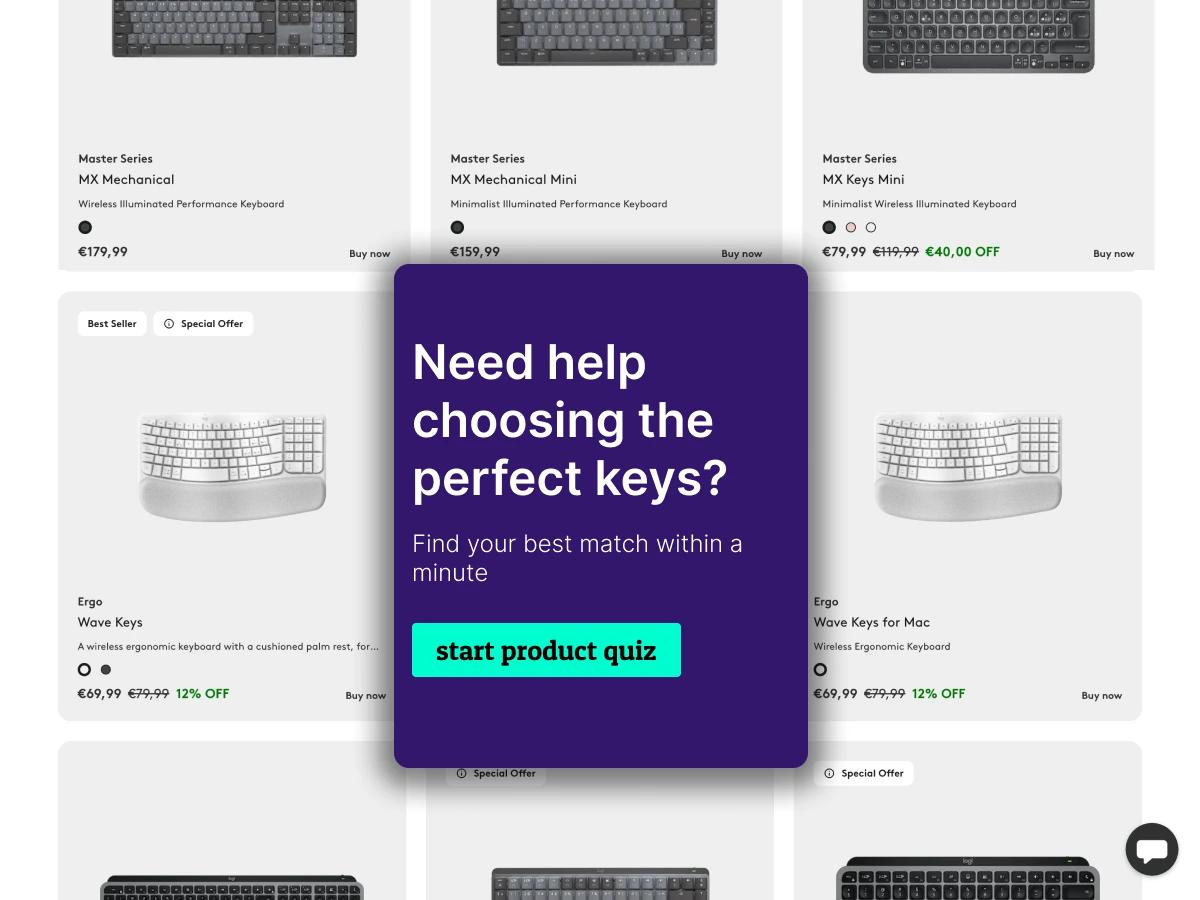
The wrong product costs you twice.
A buyer who picks wrong pays for shipping back, ties up your support team and rarely comes back. Guided questions send them to the product that actually fits, so the parcel stays sold and the review stays positive.

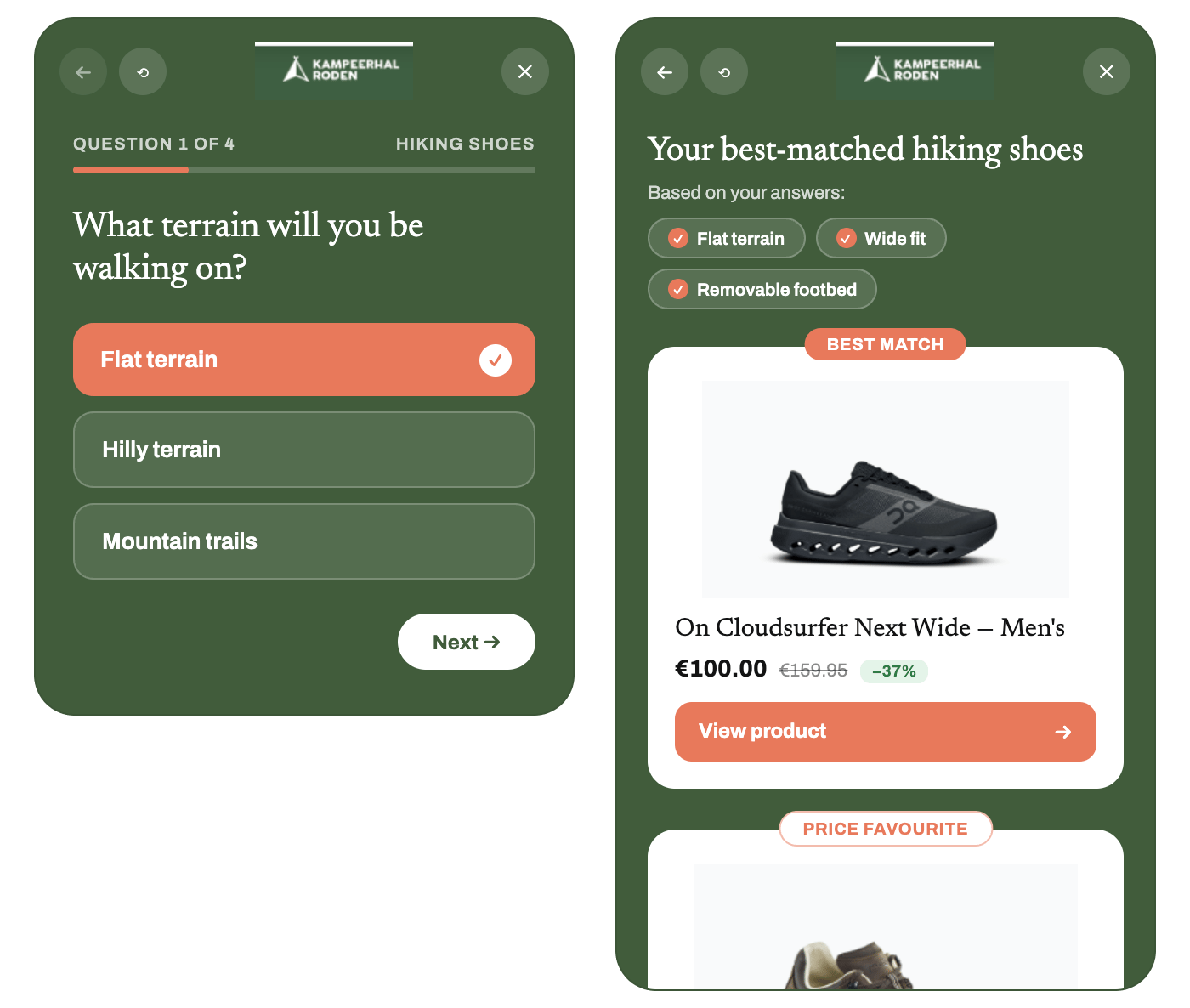
A product finder that always gets them to the right product.
Shoppers who find the right product, buy it
Help someone land on the product that actually fits and three things follow: they are more likely to buy, more likely to buy the right thing, and happier with it once it arrives. That last one is what keeps returns down and reviews up.
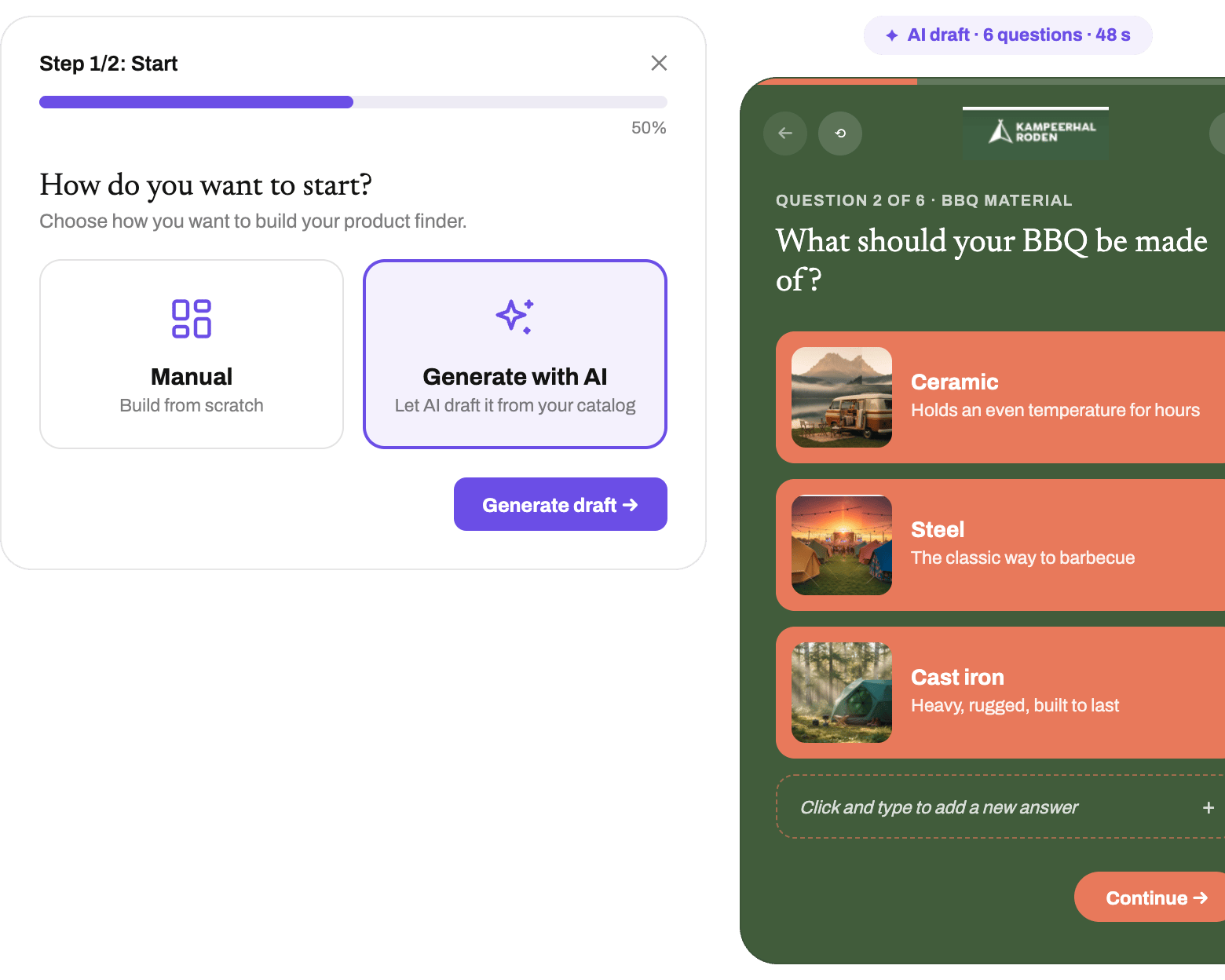
AI builds your product finder. You just tweak it.
Point it at your catalog and it drafts the whole thing: the questions, the answers, and the mapping from each answer to the product attributes it filters on. You reorder, reword or add where the conversation needs it. Nothing starts from a blank page.
Get to know your buyers inside out
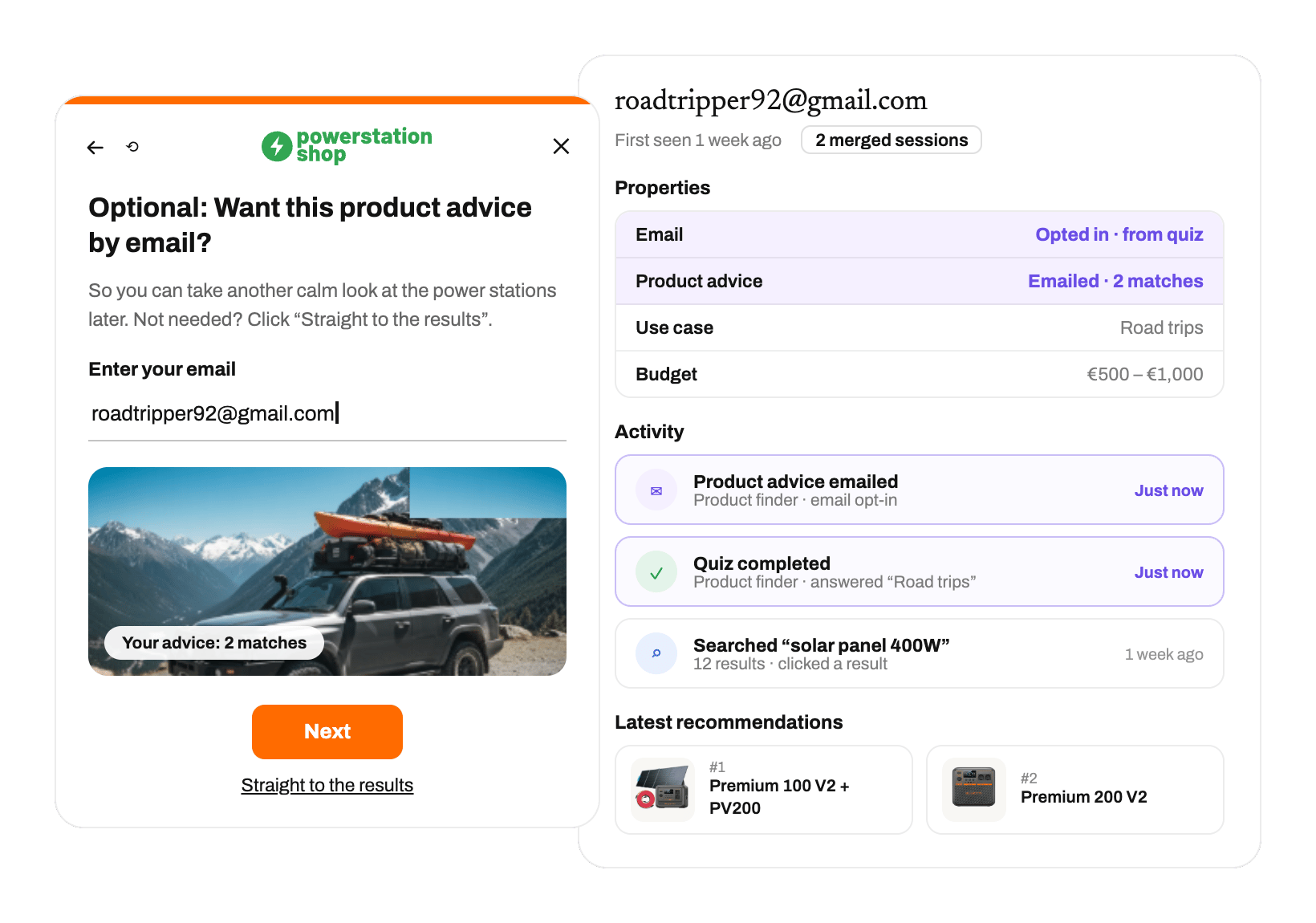
Every finder session is a shopper telling you what they want in their own words. That builds a picture of who is really buying: which needs come up most, which trade-offs they make. Useful well beyond the finder itself.
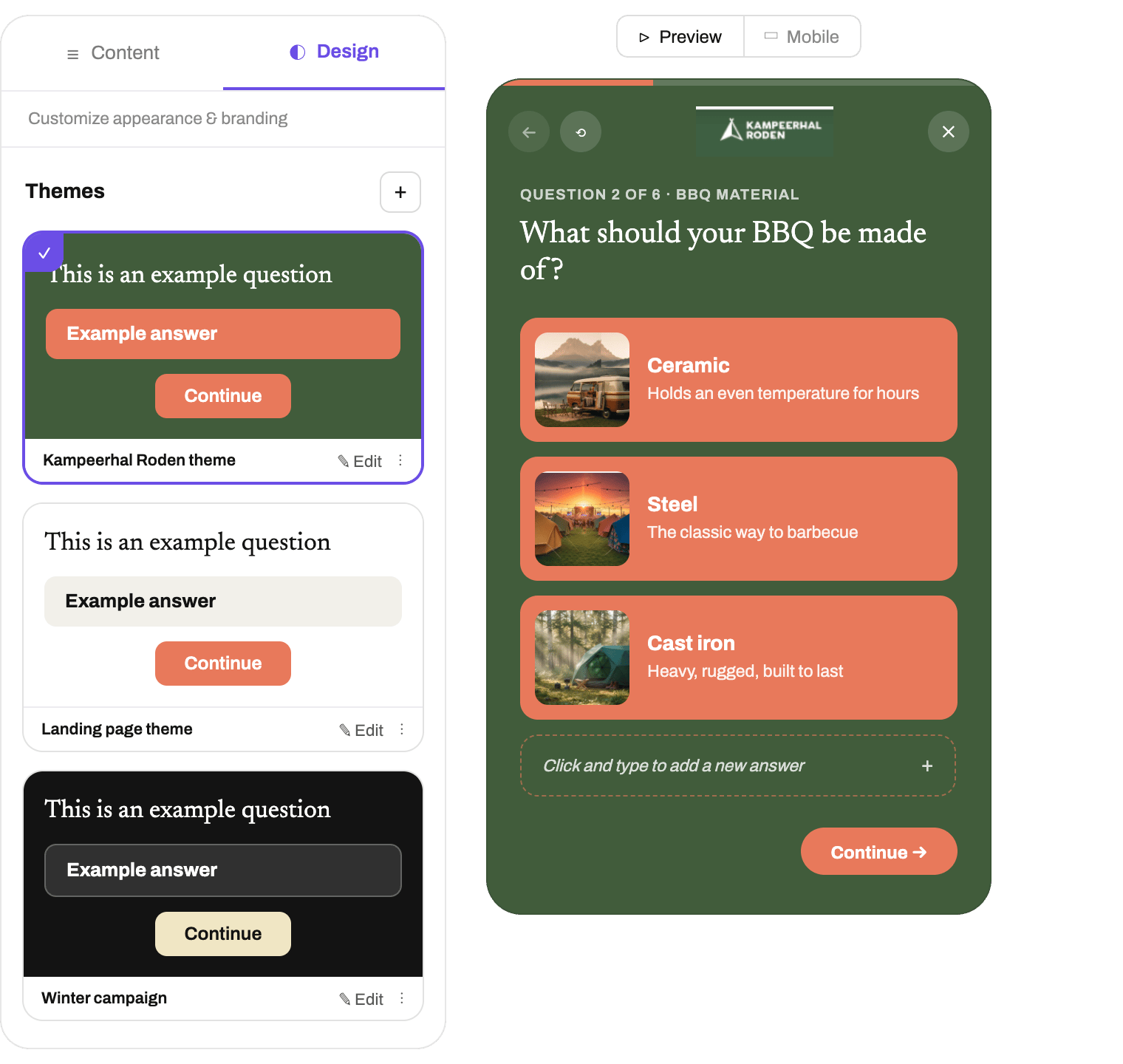
Matches your brand, not ours
You invested in your design for a reason, so the finder has to look like it belongs. Start from a bluebarry template, restyle it to match your site, or build the interface exactly the way you want it.
Put your product finder wherever it converts best.
Embed it on a landing page, trigger it as a popup, slide it in from the side, or place it inline. Wherever your shoppers already are, the finder meets them there.
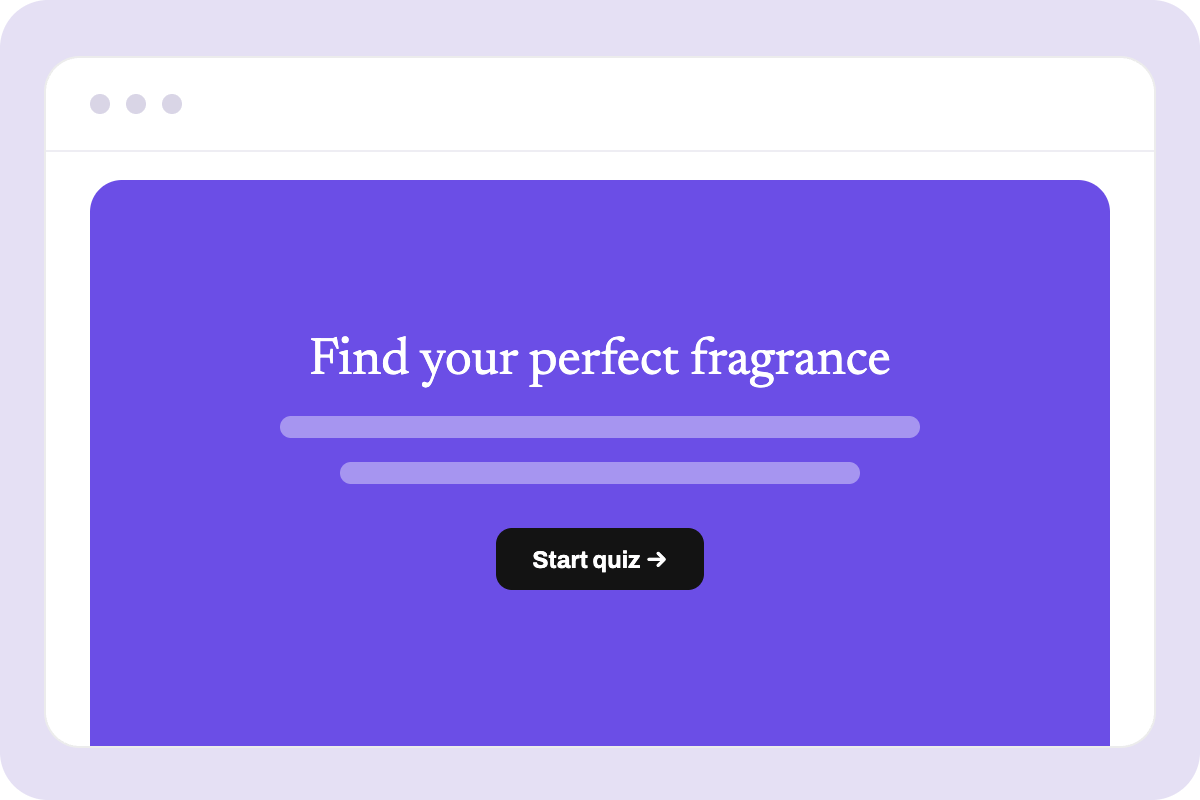
Landing page
Give the finder a page of its own to send paid, social and email traffic to.
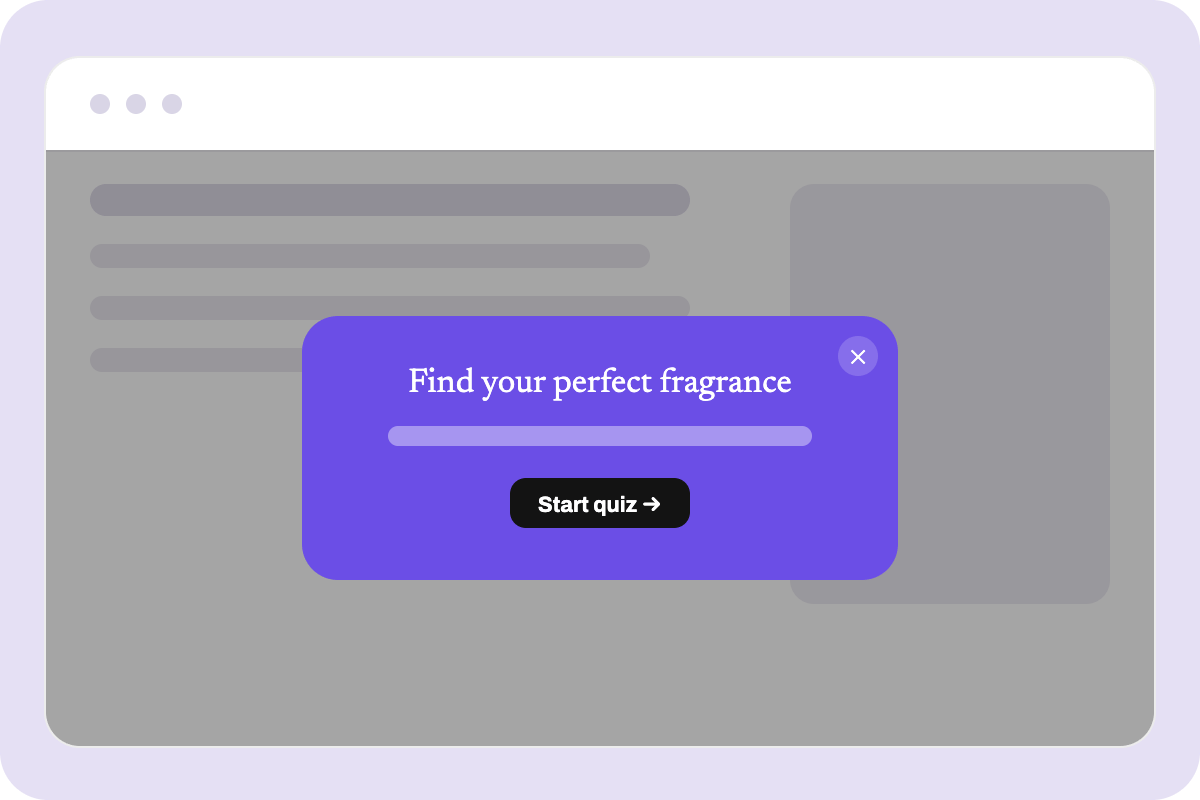
Popup
Trigger it on intent, like exit or time on page, when a shopper is stalling.
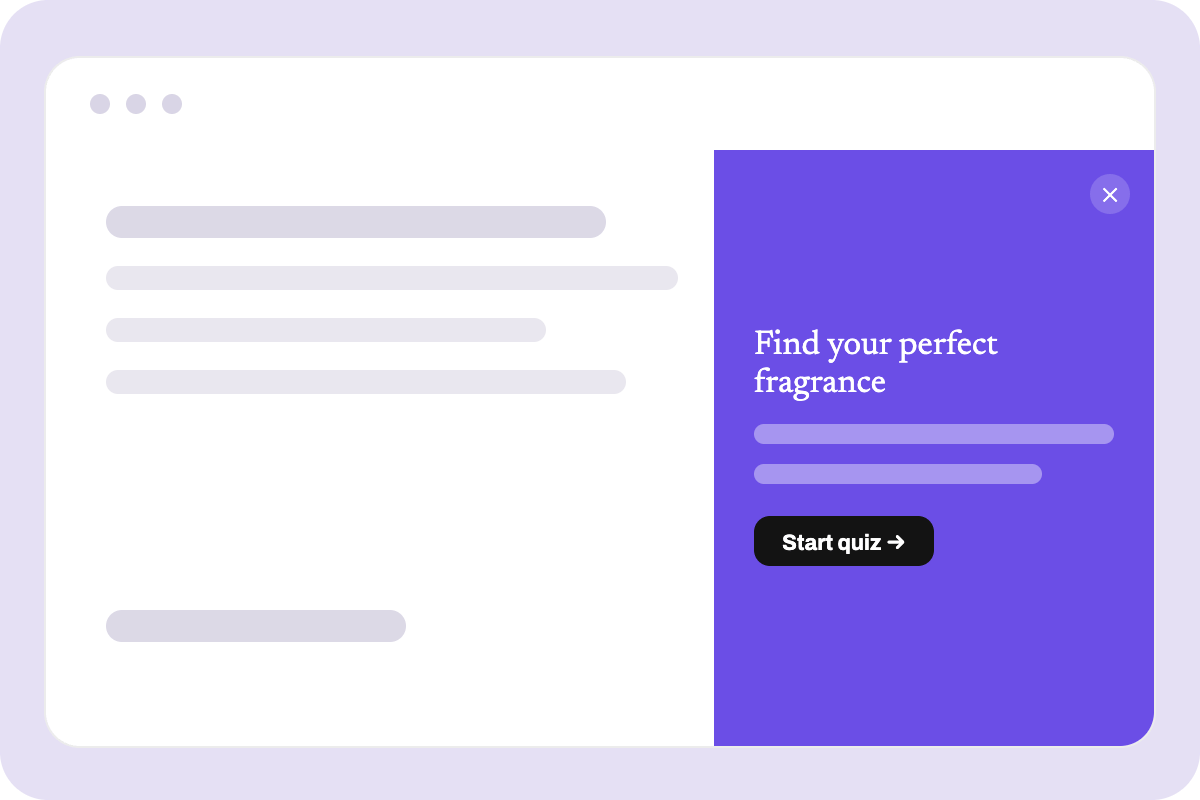
Slide-in
Slide it in from the side without interrupting whatever they were browsing.
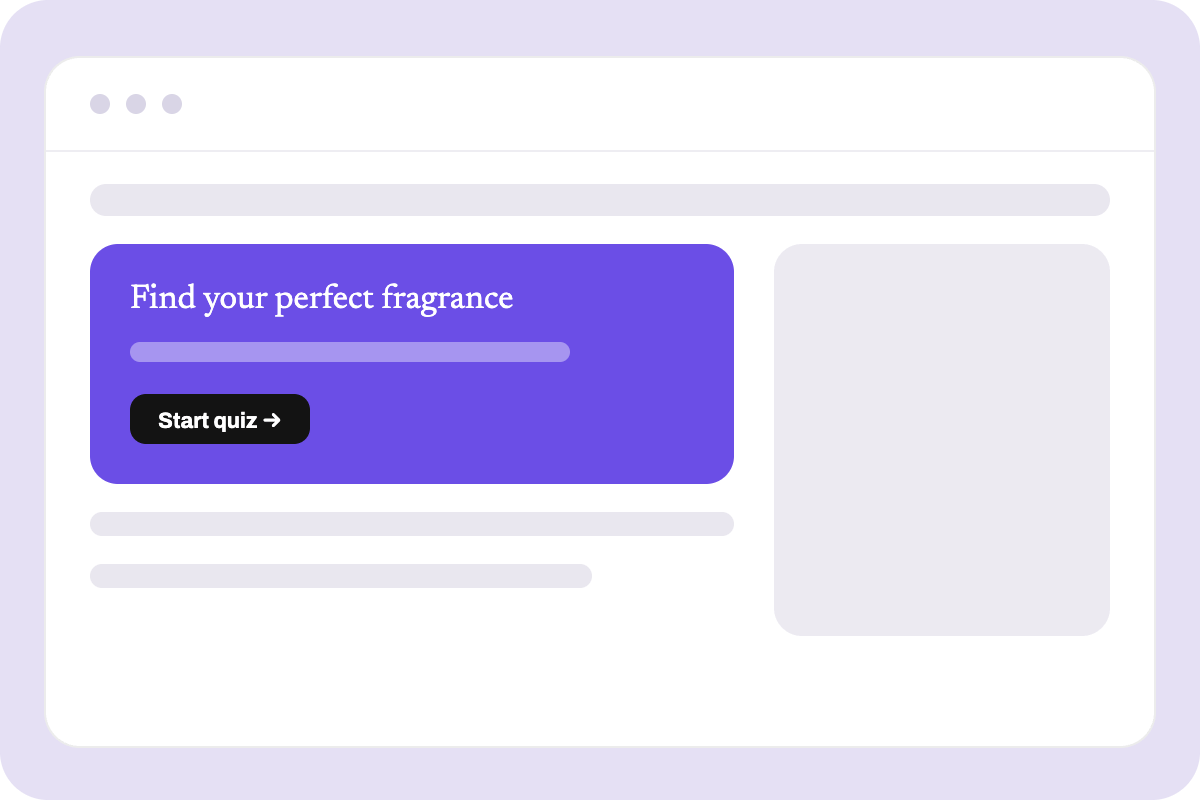
Inline
Embed it straight into a collection or product page, where the choice happens.
An honest analysis of our top performers.
Three numbers from 130,000+ live quiz sessions on bluebarry stores. Check yours against them.
Go to benchmark reportWhat they achieve with product finders.
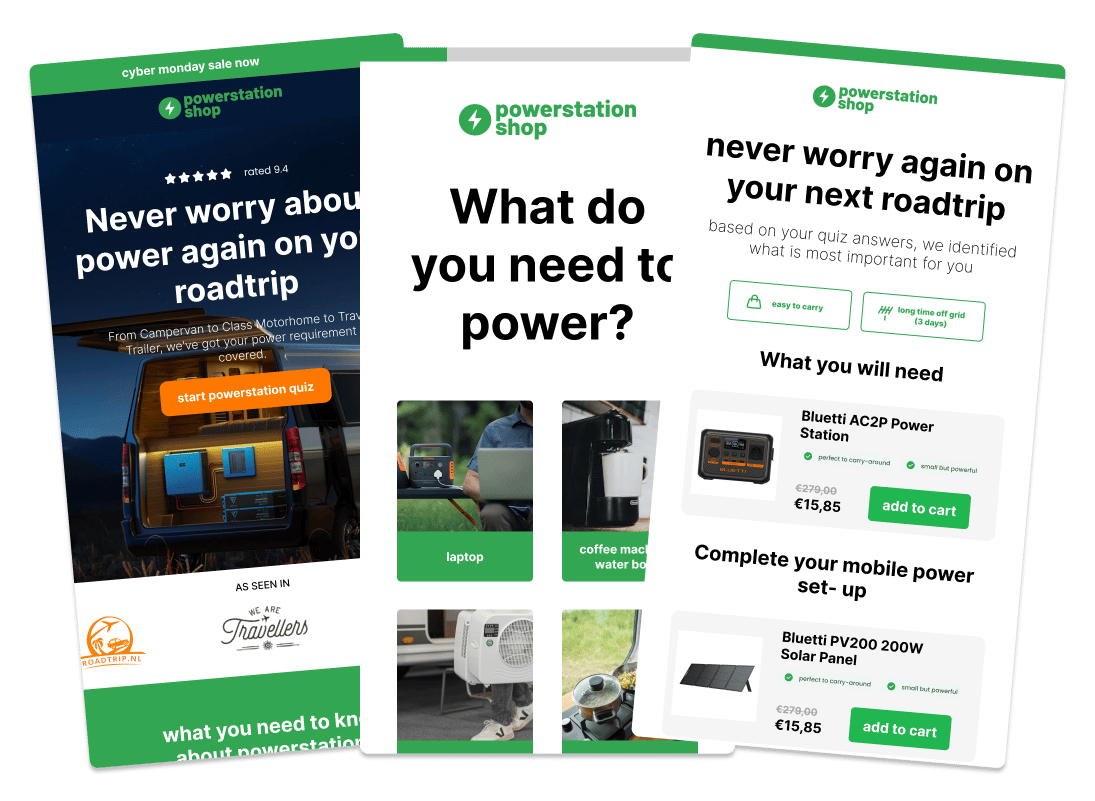

"I had been looking for a good product quiz, smart search and a helpful partner for almost a year. There are several providers, but bluebarry stands head and shoulders above the rest!"


New to product finders? read the complete guide to product recommendation quizzes & finders.
Wired into everything you already run.
Shopify, Magento, WooCommerce and Lightspeed, plus Klaviyo, Omnisend and ActiveCampaign for email. Your feed stays the source of truth, and every answer flows into the tools you already run.
See all integrations



Product finder FAQ
What is an AI product finder?⌄⌃
An interactive tool that asks shoppers a few simple questions and instantly recommends the products that fit their answers. Instead of browsing category pages or filtering by specs, customers get a personal shortlist. Bluebarry builds it from your product feed, so it stays accurate as your catalog changes.
Is a product finder the same as a product recommendation quiz?⌄⌃
Two names for the same thing. "Product finder" emphasizes the discovery outcome, "product recommendation quiz" the question-and-answer format. Both run on the same matching engine.
Can this handle 50,000+ products with multiple variants?⌄⌃
Yes, it was built for exactly that. Complex attributes make the recommendations sharper, not slower.
Do I have to tag products manually?⌄⌃
No. Bluebarry syncs with your product feed and maps attributes to finder logic automatically. New products join the matching based on your existing setup.
Where do I put the finder on my store?⌄⌃
Wherever the doubt is: a collection page, your navigation, a product page, or a popup on exit intent. Most brands start on the busiest collection page and expand from there.
Will this slow down my site?⌄⌃
No. The finder loads asynchronously and stays out of your critical rendering path, so your Core Web Vitals stay green.
One tool. One clear price.
Unlimited product finders and funnels, landing pages included.
- ✓Profile collection (anonymous and identified)
- ✓Talk with your analytics and dashboarding (AI)
- ✓Dedicated support
- ✓Access to Discord community
- ✓A/B testing on every tool, free
Per month, billed yearly. Monthly billing available.
Generate a quizFree for 14 days
Start by generating a product finder with one single prompt.
Start a no-commitment 14-day free trial and use every bluebarry feature on your webshop. No credit card needed.
Free for 14 days · no credit card required