
The Test flow tab in the editor shows whether your quiz logic works. It doesn't show whether the quiz works on your store: whether the button opens it, the theme doesn't get in the way and the products land in the cart. Ten minutes on your live store after publishing catches those things before your shoppers do.
Before you start
- Run through the quiz on the Test flow tab first. See Preview and test a quiz.
- Publish the quiz. Your store always shows the published version, never the draft.
- Make sure the bluebarry script is on your store and the quiz has a way to open: a button, a link, an automatic popup or an embed.
Test on your store
- Open your store in a private browser window. That way you see it as a new visitor, without earlier answers or cookies.
- Go to the page where the quiz should appear and open it the way a shopper would: click the button, wait for the popup or scroll to the embed.
- Take the quiz with a few different answer paths, including the extremes (the lowest budget, the rarest choice).
- On the result page, check that the products make sense, prices and images are right, and every button goes where it should. If a card adds to the cart, try it and check your cart.
- Close the quiz and open it again. It should pick up where you left off.
- Repeat on your phone. Most quiz traffic is mobile.
Check that it is measured
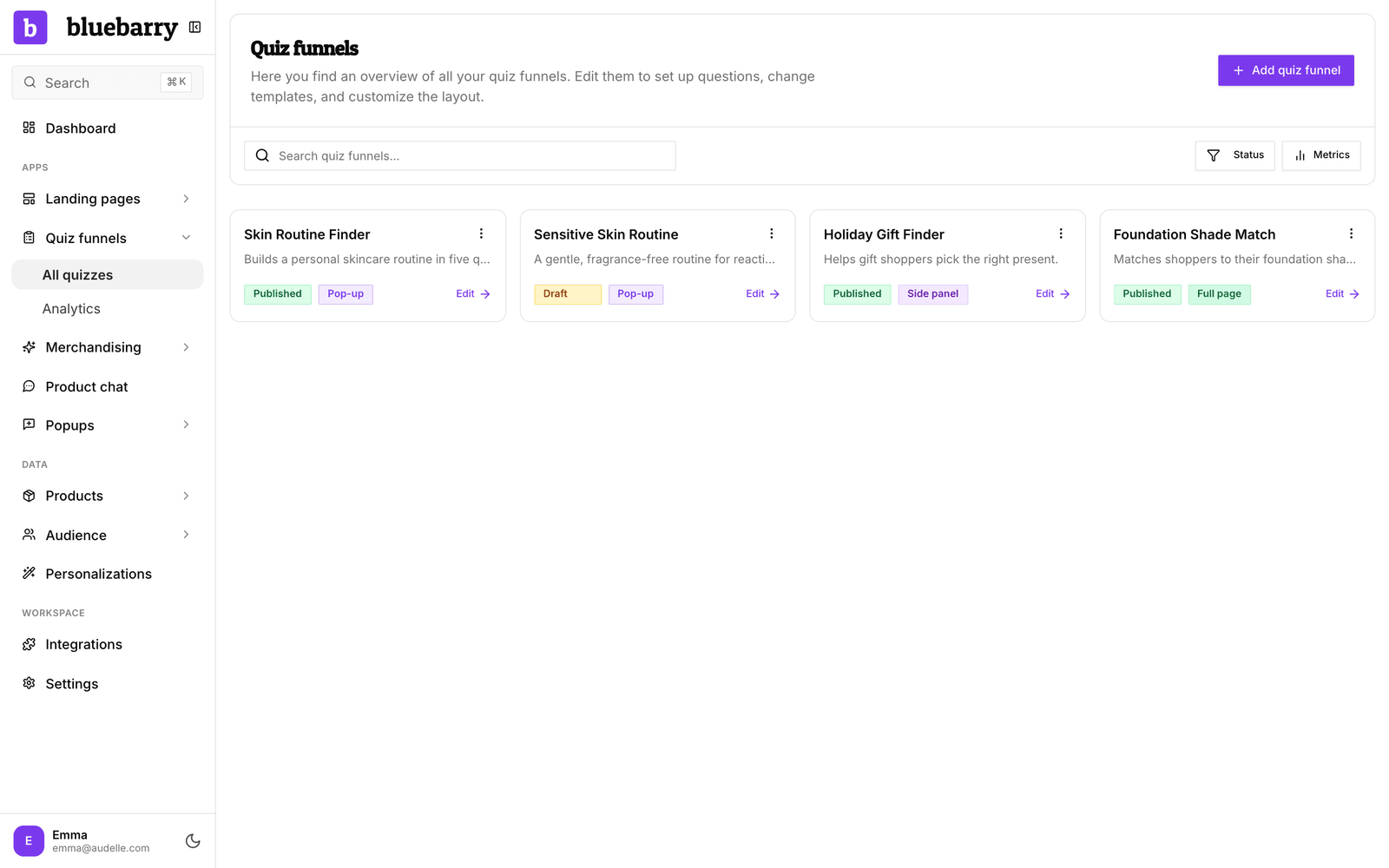
Go back to Studio and open Quizzes. Your test runs appear in the Started, Engaged and Completed counts on the quiz card, and in Quizzes → Results. If you set up order tracking, place a test order after a quiz and check that it shows up as quiz revenue. See Understand conversion attribution.
If something is off
| What you see | What to check |
|---|---|
| Nothing happens when you click | The bluebarry script isn't on the page. On Shopify, turn on the Bluebarry Core Script app embed. Elsewhere, add the funnel script. |
| The quiz shows old content | You changed the draft but didn't publish. The publish button shows how many changes are waiting. |
| An answer is missing | Answers that match no products are hidden. Check the red badge on Match products. |
| The popup doesn't appear | Check the page rules and frequency limits, or clear your cookies. It also won't show once you finished the quiz, until the pause is over. |
| The quiz opens twice | On Shopify, remove the Popup Trigger block from your theme when you use Open automatically as a popup. |
Shopify store and the quiz doesn't load at all? See Fix the Shopify app embed not showing.