
Make is a visual automation builder. With the bluebarry app in Make you can send quiz data to your CRM, a spreadsheet or a chat tool, and build workflows with several steps and conditions.
Create a Make account
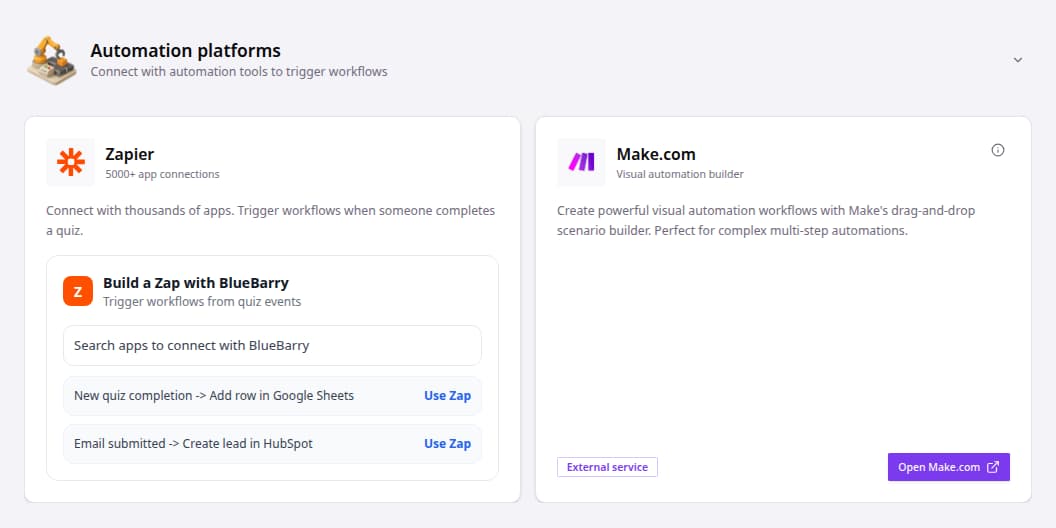
In bluebarry, go to Store data → Integrations, open Automation platforms and click Open Make.com on the Make.com card. It takes you to Make through our partner link, which gives bluebarry customers a discount on their Make plan. Already have an account? Just sign in.
Connect bluebarry in Make
In Make, a workflow is called a scenario. You connect bluebarry once and reuse the connection in every scenario.
- Create a scenario and add the bluebarry app as the first step.
- Choose one of the bluebarry triggers.
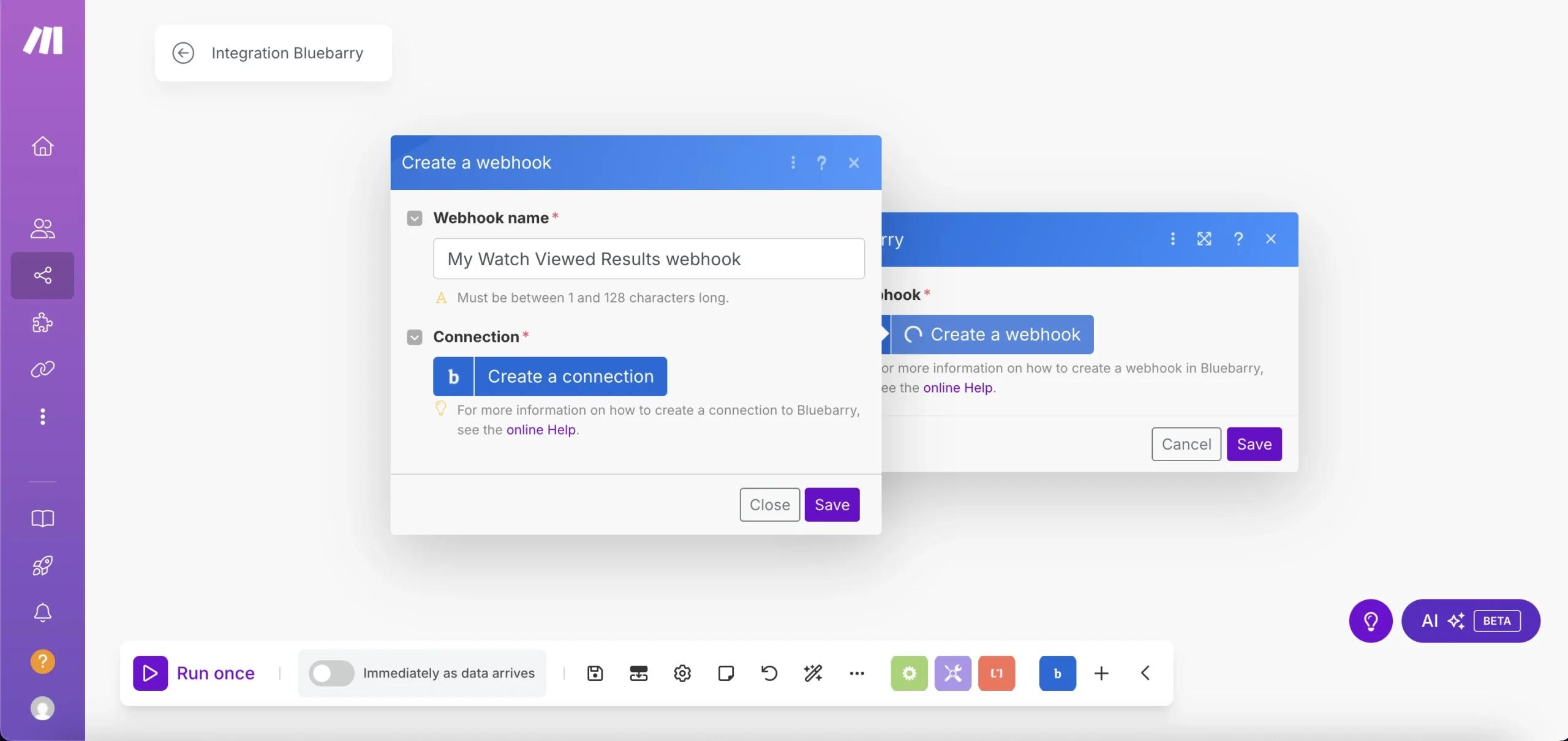
- Click Create a webhook and give it a name.
- Click Create a connection.
- In bluebarry, create an API key for Make under Store data → Integrations → Developer area → API keys.
- Back in Make, give the connection a clear name, paste the key and save.
Build your scenario
The bluebarry triggers in Make follow quiz activity, such as a question being answered, a result being viewed or an email being submitted. Behind the scenes they use bluebarry webhooks, so each trigger shows up in bluebarry under Developer area → Webhooks. Some ideas:
- Create leads in HubSpot or Salesforce from quiz results.
- Add rows to Google Sheets for reporting.
- Post a Slack message when someone finishes a quiz.
Test on your live store: the preview in the quiz editor doesn't send events. For details on each event, see Set up webhooks.