
Your bluebarry account is where you and your team set up quizzes, search, product chat and popups for your store. Every new account starts with a 14-day free trial.
Create an account
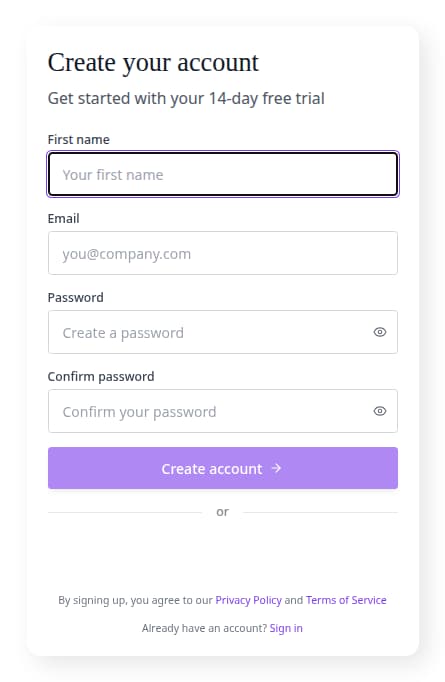
- Open the bluebarry sign-up page.
- Enter your First name and Email.
- Choose a Password, repeat it under Confirm password, and check the requirements shown under the field.
- Click Create account. You can also use Sign up with Google instead of a password.
Most new stores then go through a short setup wizard. It asks which platform your store runs on and helps you pick one module to start with, which Barry builds with you on Home. See get started with your first module.
Installing from the Shopify App Store
If you install bluebarry from the Shopify App Store, the app asks you to create your bluebarry account right inside Shopify admin, with the same fields. Your store is connected and your products start syncing straight away. See install the bluebarry Shopify app.
Sign in
- Open the bluebarry sign-in page.
- Enter your email and click Continue, or sign in with Google.
- Enter your password and click Sign in.
Forgot your password? Click Forgot your password? and we email you a reset link. If you were invited by a teammate, use the link in the invitation email to set your password first.