
An embedded quiz sits right in your page, like any other section. No button to click, no overlay: shoppers start answering where they land. It works well on a dedicated "Find your match" page or a "Need help choosing?" block on a category page.
Choose the embedded display type
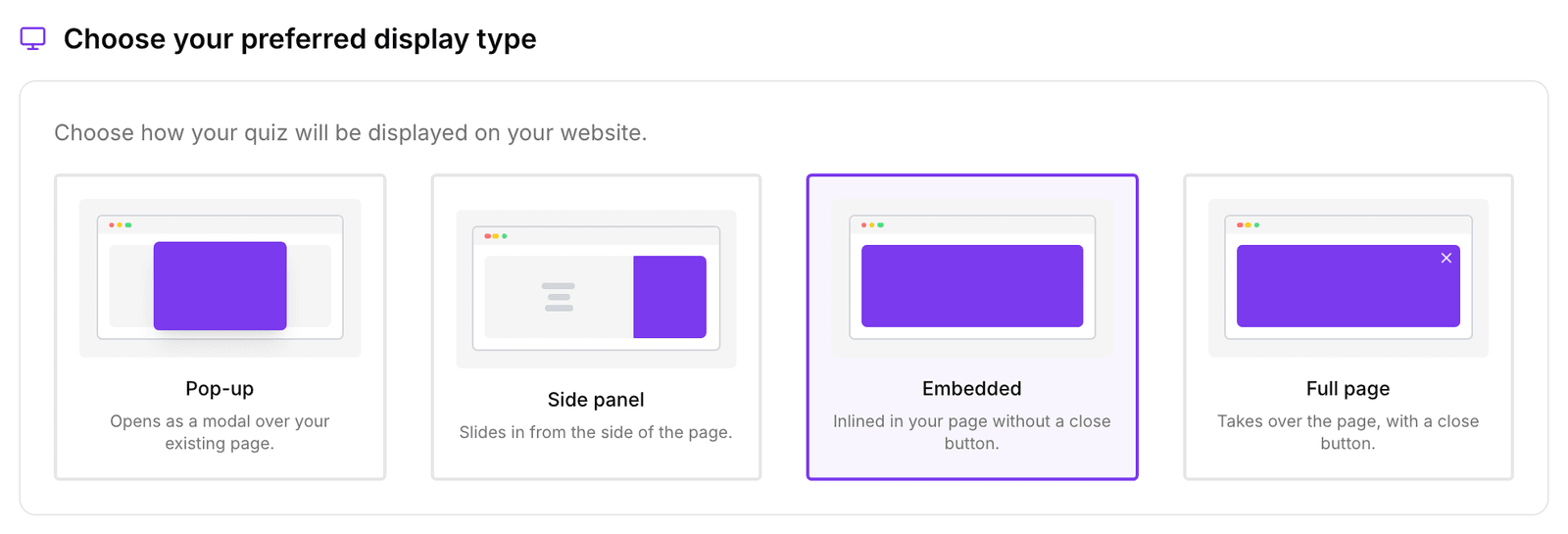
- In the sidebar, go to Quizzes and click Edit on your quiz.
- Open the Launch tab.
- Under Choose your preferred display type, select Embedded ("Inlined in your page without a close button").
Also open the same quiz from buttons elsewhere? Then keep Pop-up or Side panel as the display type. The embed code below always shows the quiz inline, whatever you choose here.
Get the embed code
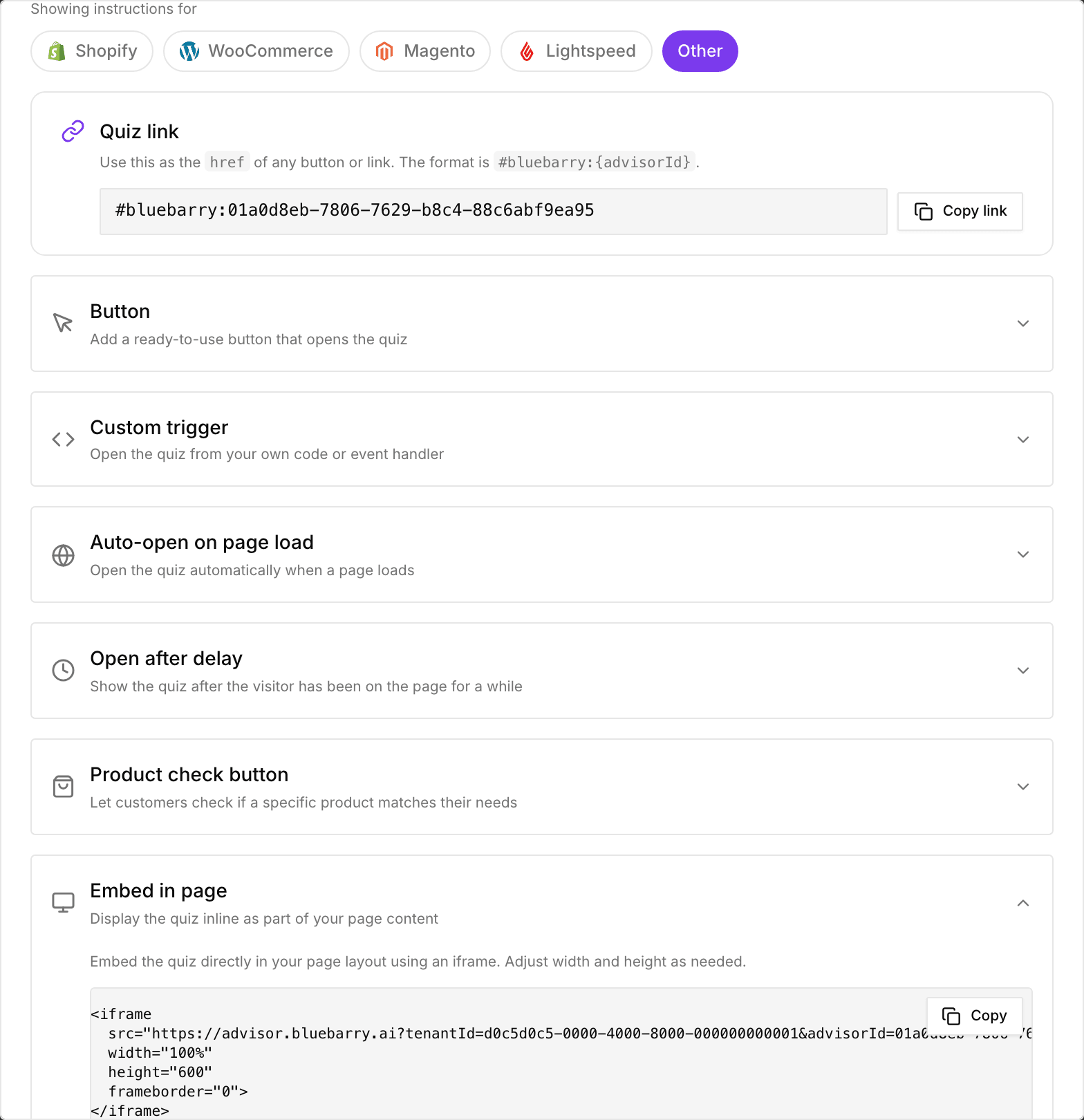
- Publish the quiz if you haven't yet.
- Click the publish button at the top right of the editor and open the Implementation tab.
- Expand Embed in page and click Copy.
The code is a small iframe that fills the width of its container and is 600 pixels high. Change the height if your quiz needs more room.
Paste it into your page
- Shopify: in the theme editor, add a Custom Liquid section (or a custom HTML block) where the quiz should go and paste the code.
- WordPress and WooCommerce: use a Custom HTML block.
- Magento: in a CMS page or block, add an HTML Code element in Page Builder and paste the code.
- Any other site: paste the code into the page's HTML where you want the quiz.
You paste the code once. When you publish a new version of the quiz, the embed shows it automatically.
Where to embed
As a section in a page
Put the quiz between your other content, for example below the intro of a category page. Give it a clear heading above, such as "Not sure which one to pick? Take the 1-minute quiz".
As a page of its own
Create a dedicated quiz page and give the embed most of the screen. This is the page to link from emails, ads and social posts.
Tips
- Give the quiz enough height. A cramped embed makes shoppers scroll inside the quiz.
- Check the page on your phone. Most quiz traffic is mobile.
- Prefer a full-screen experience without building a page? Choose the Full page display type and open the quiz with a button instead. See Launch as a button.