
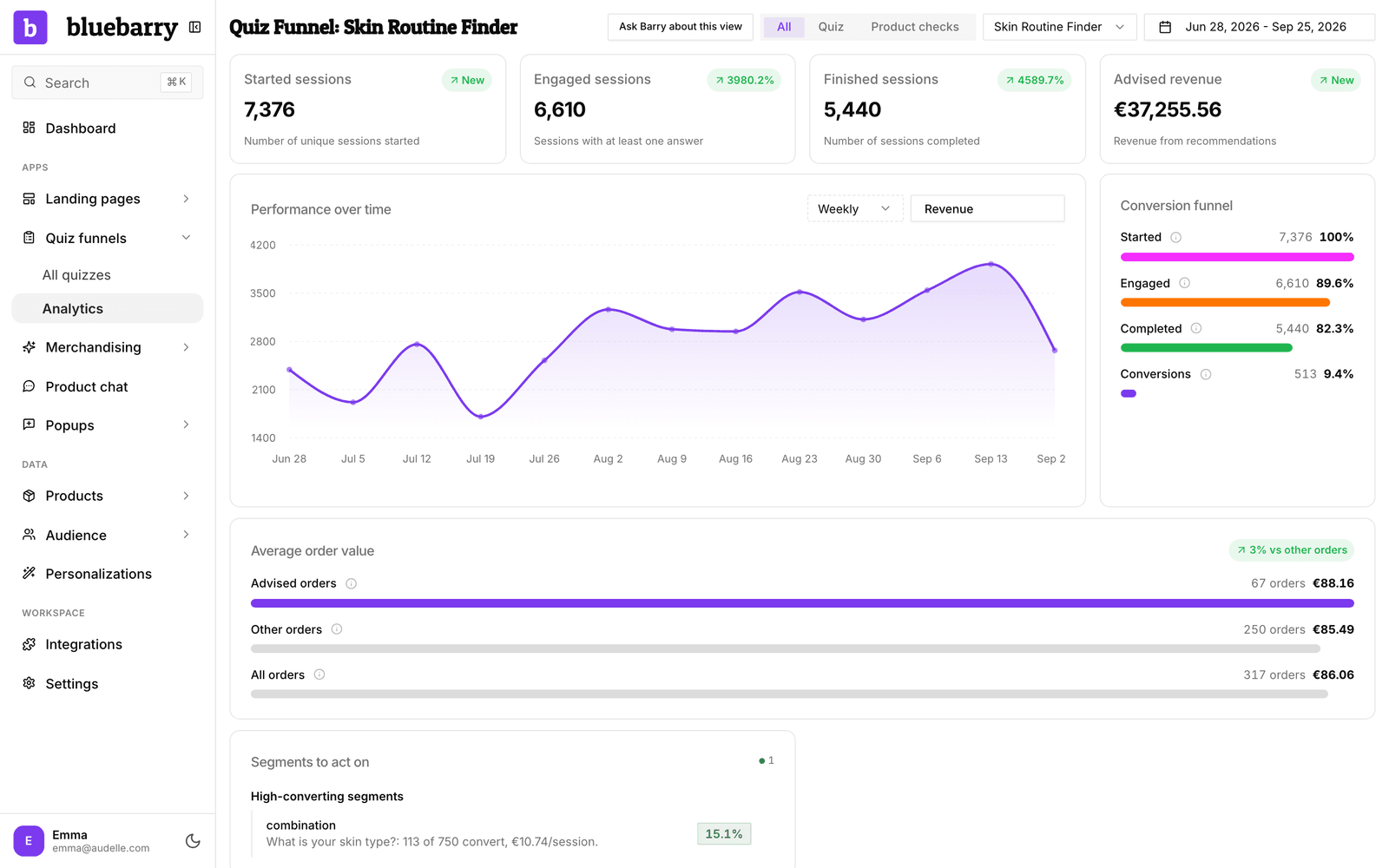
Advised revenue is the value of orders placed by shoppers who finished one of your quizzes. It is the quickest way to see what your quizzes bring in.
Review advised revenue
- Go to Quizzes → Results.
- Pick All quiz funnels or one quiz, and a date range.
- Read the Advised revenue card. The arrow compares it with the previous period of the same length.
- In Performance over time, open the metric menu and select Revenue to see it per day, week or month.
What counts
- An order counts when it comes from a quiz session that reached the results. The shopper does not have to buy the exact product the quiz recommended.
- bluebarry uses the order total. Orders tracked twice are counted once.
- Amounts are shown in euros. Other currencies are converted at the day's rate. When a rate is not available, those orders are left out and the card says which currencies.
Advised revenue shows what quiz shoppers spent, not how much extra the quiz earned. To compare what quiz shoppers spend per order with everyone else, look at the Average order value card on the same page.
If revenue is missing
Revenue needs conversion tracking on your checkout. See understand conversion attribution for how orders are linked to quizzes and what to check when they do not show up.