
Use this article when landing page visits or conversions are missing from your reporting. Start by checking the landing page Launch tracking settings, then confirm the storefront or external analytics setup only after the bluebarry settings are complete.
Check Landing Page Tracking
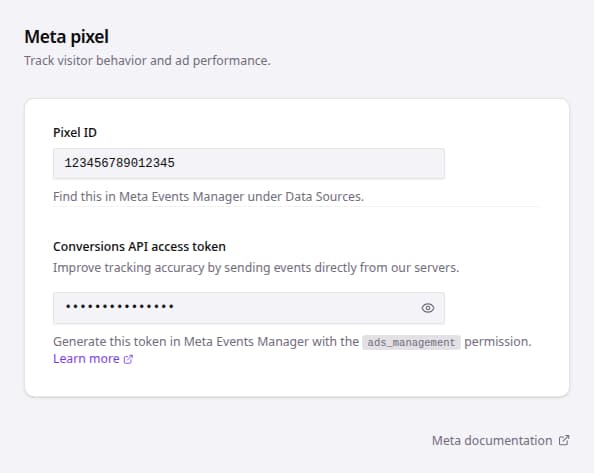
- Go to Landing pages.
- Open the affected landing page.
- Click Launch.
- Open the conversion tracking checklist item or tracking settings.
- Confirm Pixel ID is filled with the correct Meta Pixel ID.
- Confirm Conversions API access token is filled only with a valid token from the same Meta account.
- Click Meta documentation if you need to check the Meta-side token requirements.
- Save or publish the landing page changes, then run a test visit and conversion.
After testing, allow normal processing time before comparing bluebarry analytics and the external analytics system.