Most shoppers who leave a store without buying were not out of options. They were out of patience to choose. The five stores below fixed that with a product finder, each in a different way.
A product finder is a way to guide and personalize at the same time: it walks the shopper from doubt to the right product, and every answer it collects is data you can use across your store and email flows. So instead of theory, here are five real finders from stores running on bluebarry: what they sell, where the finder lives, and the specific choice that makes each one work. Plus a bonus that shows where finders are heading.
Want the quiz-format equivalents? See 5 product recommendation quiz examples. For the full picture of types and matching, read the complete guide to product recommendation quizzes and finders.
1. Decathlon: product finders at scale
Catalog: Outdoor & sporting goods · Placement: category pages, across languages
Decathlon runs 40 product finders across multiple categories and languages: tents, tennis and padel rackets, footwear, sport shoes and more, converting at 10%. That scale is the lesson. A tent buyer and a tennis player have completely different doubts, so each category gets its own finder with its own questions, in the shopper's own language.
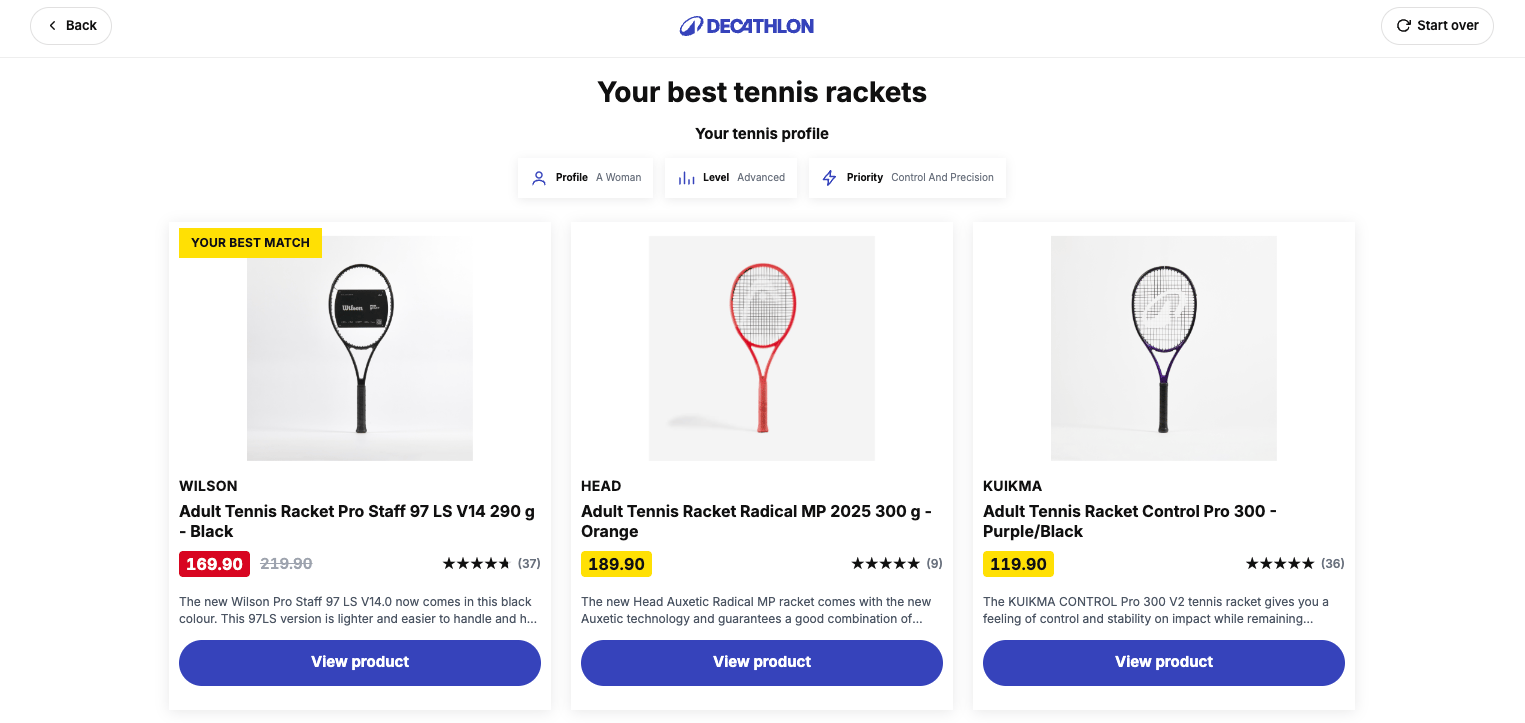
Steal this: 1 finder is a test, 40 is a strategy. Prove the format in your hardest category first, then roll the pattern out category by category.
Generate your product finder with AI
Describe your store, and AI drafts the questions and matching from your own catalog. Free for 14 days.
2. Powerstationshop: the spec translator
Catalog: portable power stations · Placement: popups and slide-ins triggered after time on page, and CTA buttons across PDPs and collection pages
Power stations are a spec-heavy purchase: watts, watt-hours, output ports, solar input. Most shoppers cannot translate "I want to run a fridge while camping" into those numbers. The finder does the translation: it asks what you want to power and for how long, then recommends stations that fit. No filter knowledge required.
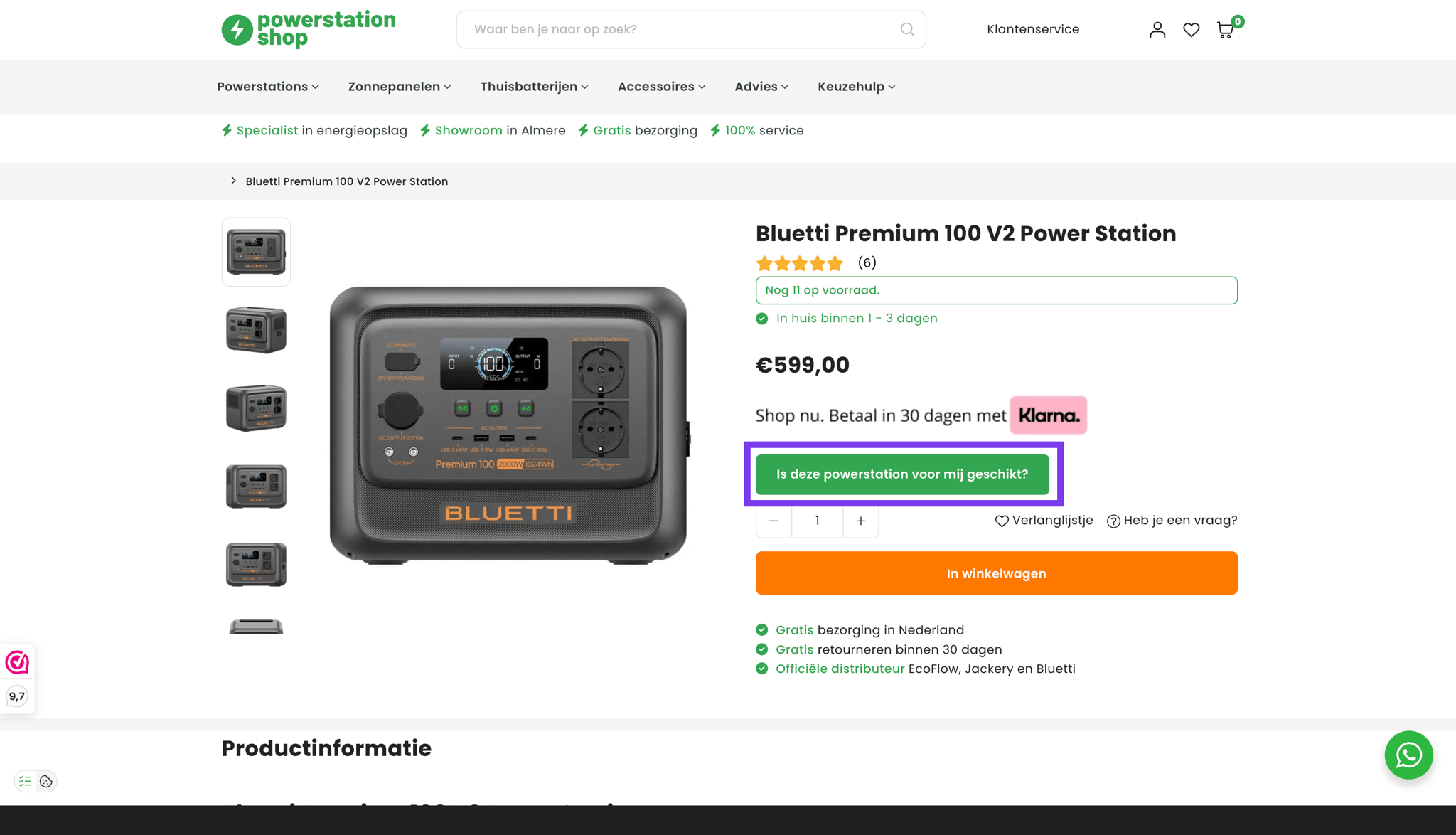
Note the placement: not a page the shopper has to find. The finder comes to the shopper as a slide-in after some time on the page, exactly when browsing turns into doubting, and sits behind CTA buttons on every PDP and collection page for the shoppers who want to start it themselves. The published results: a 124% conversion increase and 200% email list growth in three months.
Steal this: ask about the shopper's situation, never about the spec. And bring the finder to the shopper instead of waiting for them to find it.
3. Kampeerhal Roden: the category guide
Catalog: camping gear · Placement: the tent category
A tent for a festival weekend and a tent for a family fortnight in the rain are different products, and the difference is not visible in a product grid. The finder asks about trip type, group size and season, then narrows the wall of tents to a shortlist that fits.
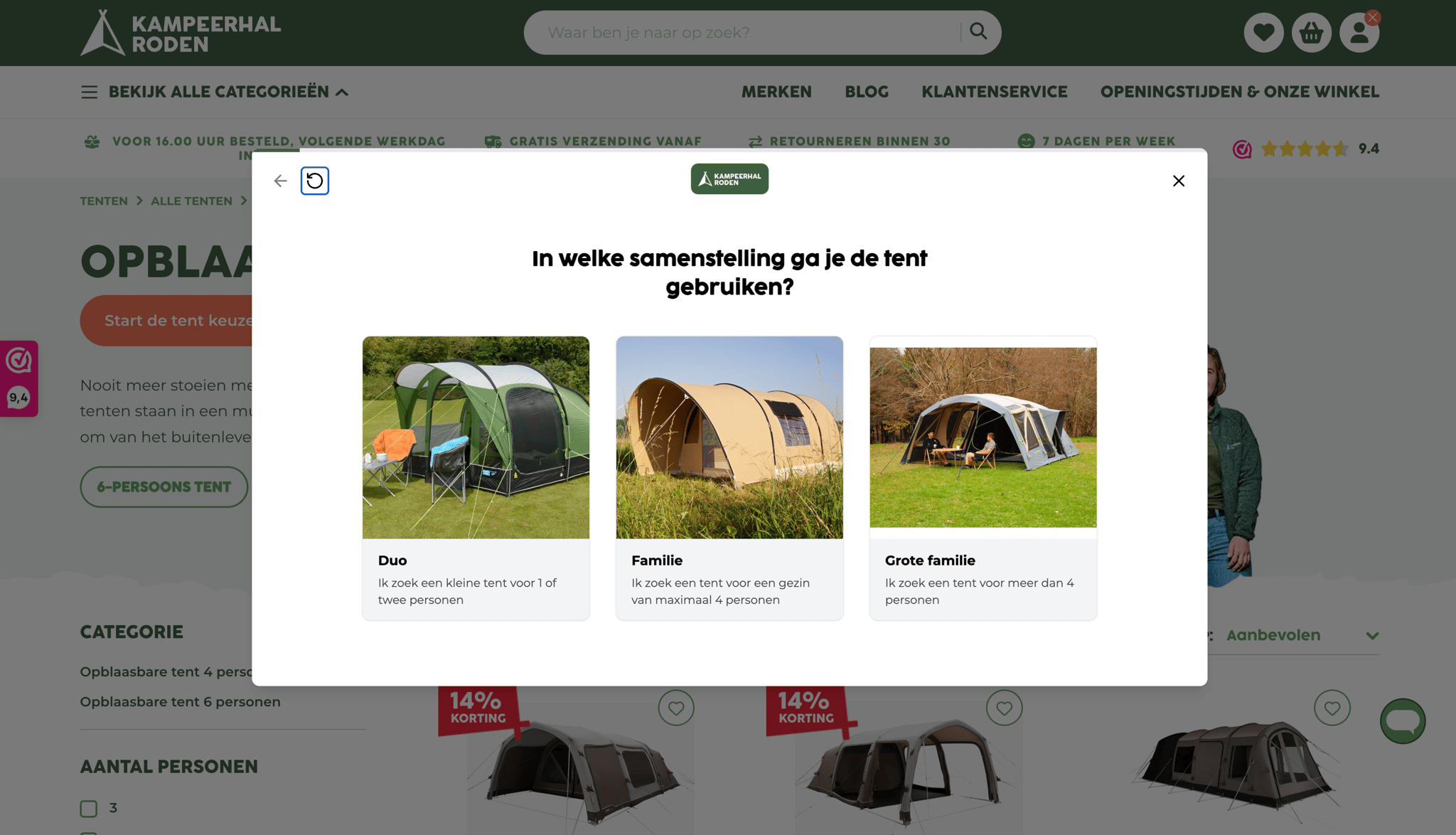
Steal this: run the finder at the category with the most doubt, not across the whole store at once.
4. Ergo2Work: ergonomic product check
Catalog: ergonomic office furniture · Placement: on the product page, as a product check
Ergonomics is literally about fit: body, desk, work pattern. Ergo2Work runs a product check on the product page: it asks about how you sit and work, then compares the product you are looking at with the product you actually need. Sometimes the answer is a better match; sometimes it is confirmation that the one on screen fits you. Either way the doubt is gone. The published result: quiz takers convert 126% better than regular visitors.
Steal this: when the product is fit-critical or the shopper has to pick a specific variant, build a product check. It does not just hand out three recommendations after a couple of questions. It compares the product the shopper is on with the one they actually need, and confirms which is better, or that the one they are viewing is suitable.
5. Meroda: the PDP mini-quiz
Catalog: beauty · Placement: on the product page itself
Meroda catches doubt where it happens: on the product page. A shopper unsure about shade or product type gets a compact quiz in the moment, without leaving the PDP. These mini-quizzes convert 24% of completed sessions into a purchase, the strongest conversion of any placement in this list.
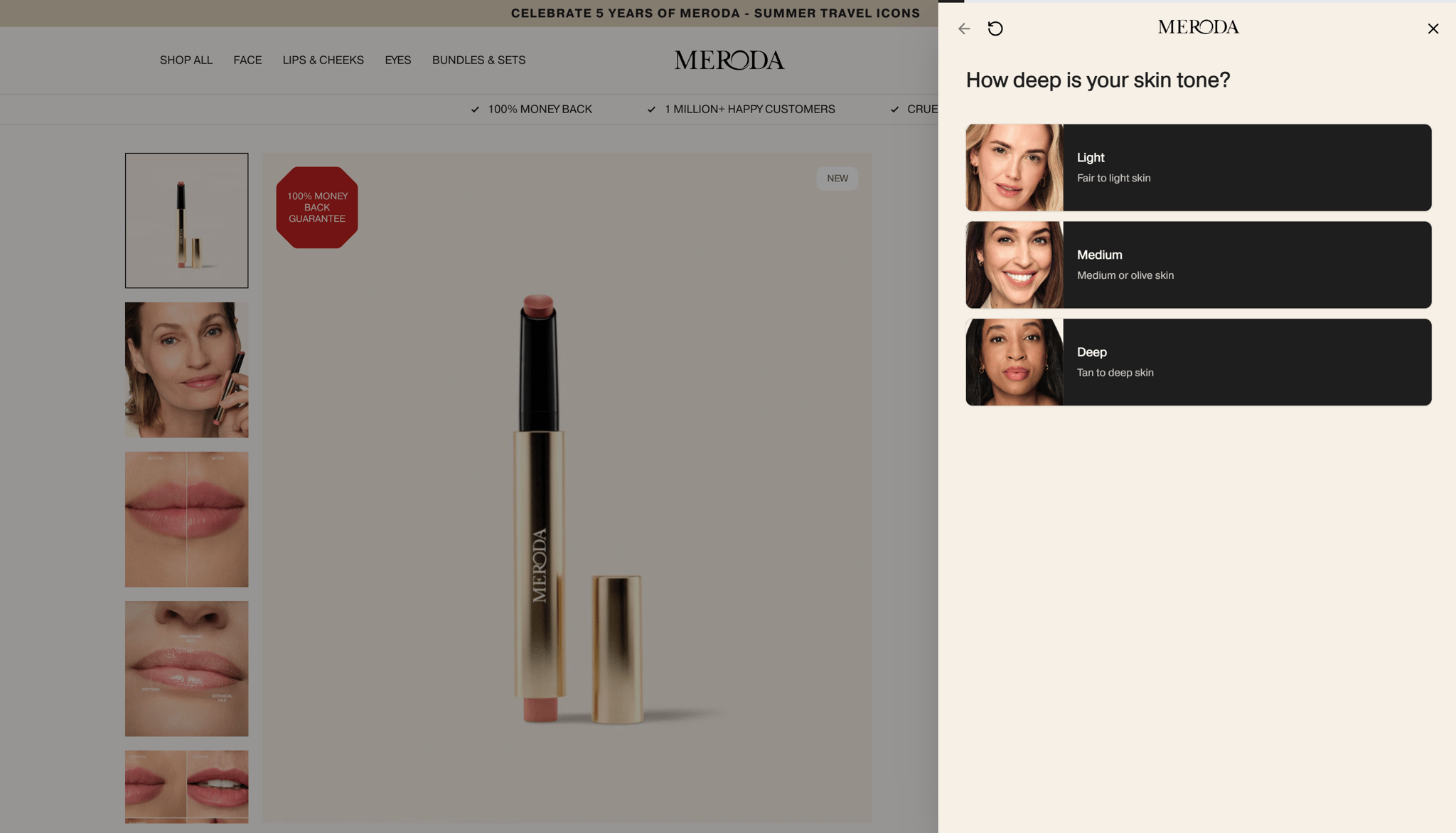
Steal this: a finder does not always have to be a big thing to drive meaningful results. It can be as simple as a "shade finder" on the PDP with a discount.
Bonus. Meroda: the routine builder
Catalog: beauty · Placement: full quiz funnel, also as the destination for paid traffic
Meroda's second act shows where finders are heading. Their routine builder runs a full dynamic quiz funnel that does not end at one product: it composes a complete skincare routine and presents it as a bundled set. The shopper answers once and walks away with a routine instead of a guess, and the store sells three products instead of one.
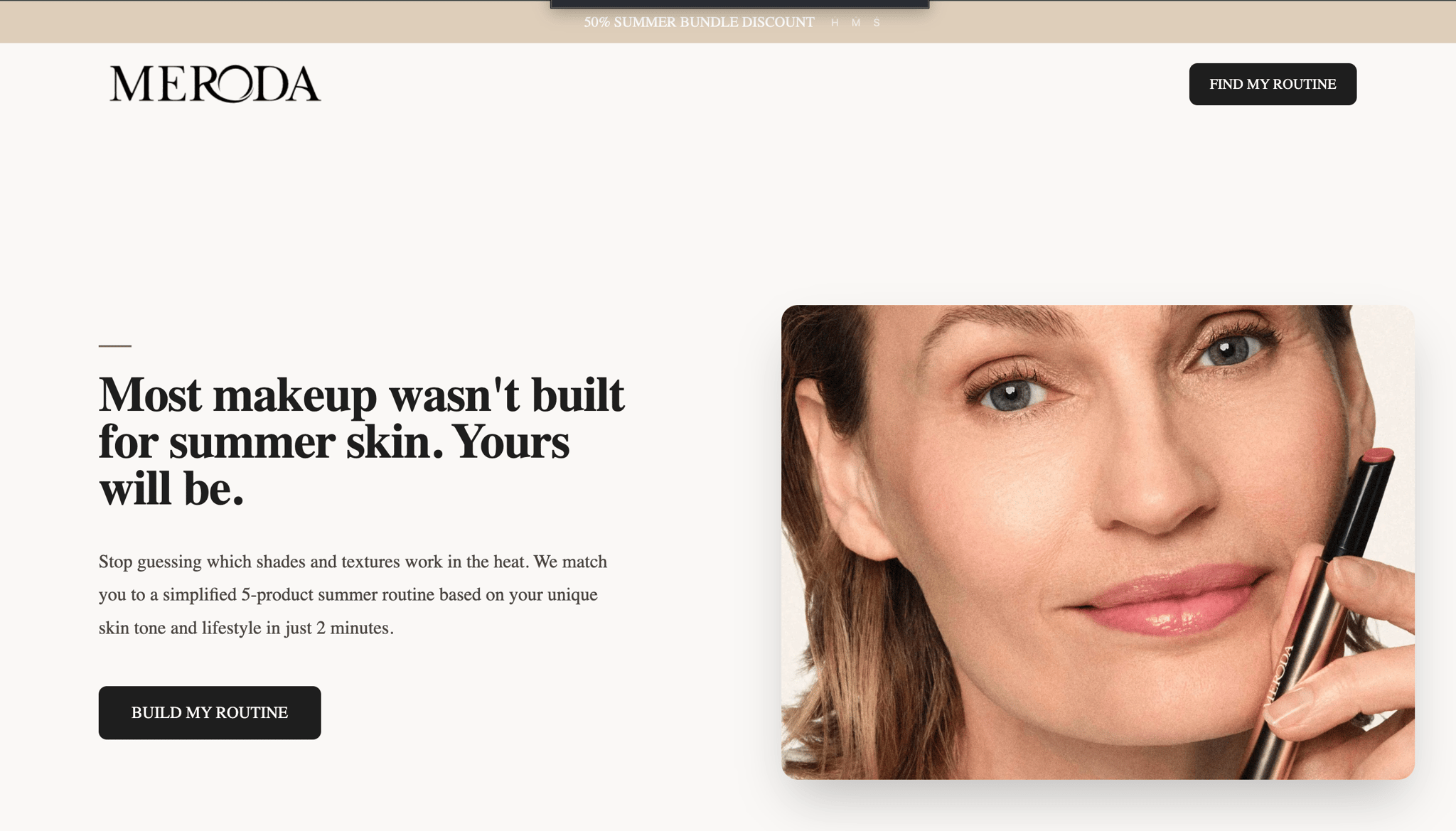
Steal this: when your products are used together, let the finder recommend the combination, not just the item.
What these finders have in common
Different catalogs, same fundamentals:
- Questions are about the shopper, not the catalog.
- The finder sits where the doubt is: a category page, the PDP, a slide-in mid-browse, or the landing spot for an ad click.
- The data is captured, stored and used elsewhere: search, recommendations, email.
Want one on your store? Start with the product finder, or read the complete guide to product recommendation quizzes and finders first.