
Publishing makes the current quiz version available for launch. Publish only after you have reviewed questions, product matching, result cards, and the customer preview.
Publish from Launch
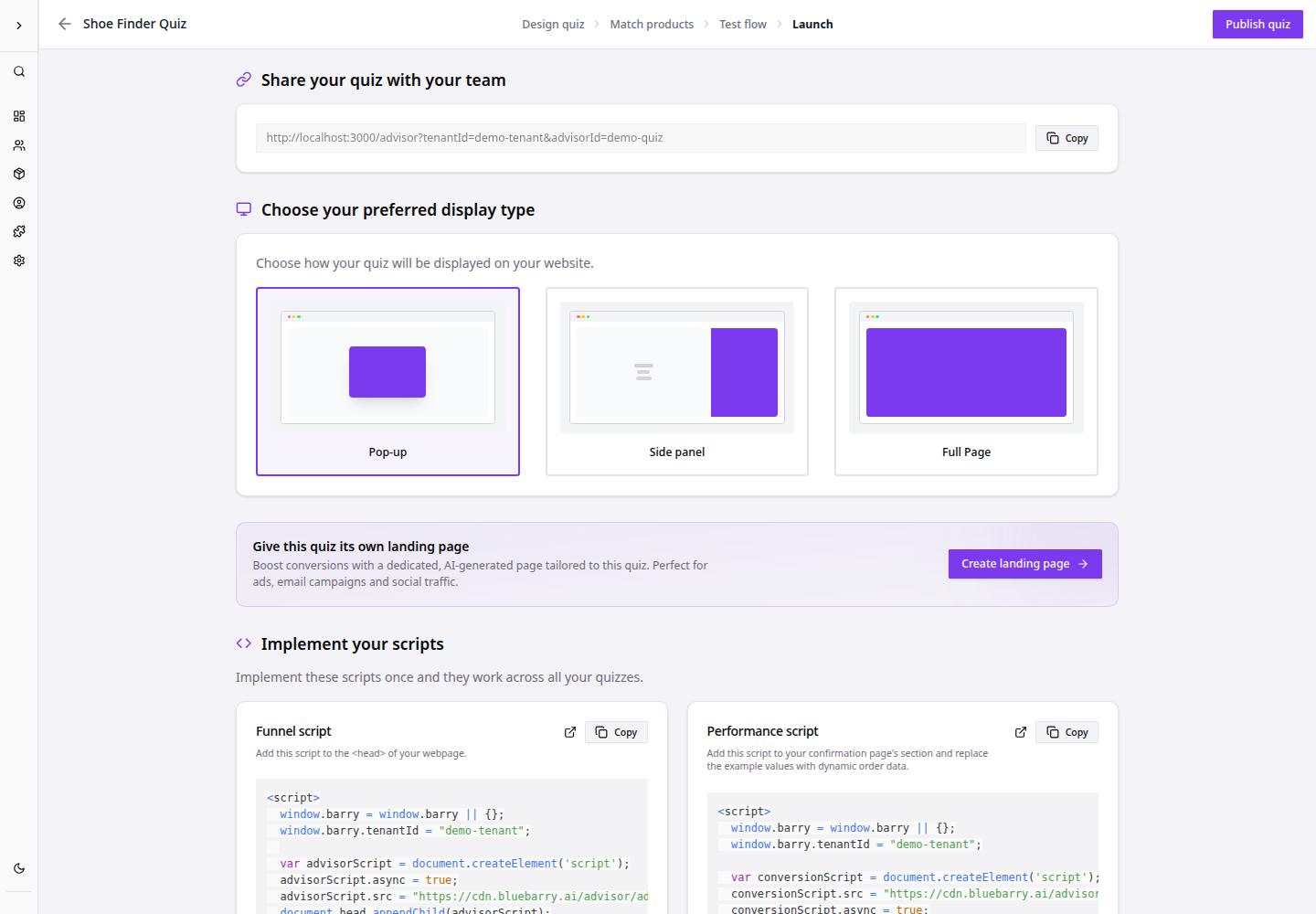
- Go to Dashboard.
- Open the quiz funnel you want to publish.
- Click Launch.
- Review the publishing state and launch settings.
- Click Publish quiz.
- Copy the share link or continue with the launch method you plan to use.
After publishing, bluebarry uses the published quiz version for customer-facing experiences. Later draft edits do not affect the live version until you publish again.
What to review before publishing
| Area | What to review |
|---|---|
| Questions | Each question is clear and in the right order. |
| Answers | Each answer is complete and mapped to the right logic. |
| Products | The catalog has enough matching products for the quiz paths. |
| Result page | Result cards, CTA behavior, and product information look correct. |
| Launch method | Pop-up, Side panel, Full Page, link, button, or platform-specific launch settings are ready. |