
Result cards let you group, label, or prioritize recommendations on the result page. Use them when one generic product list is not enough for the shopper decision.
Create a Result Card
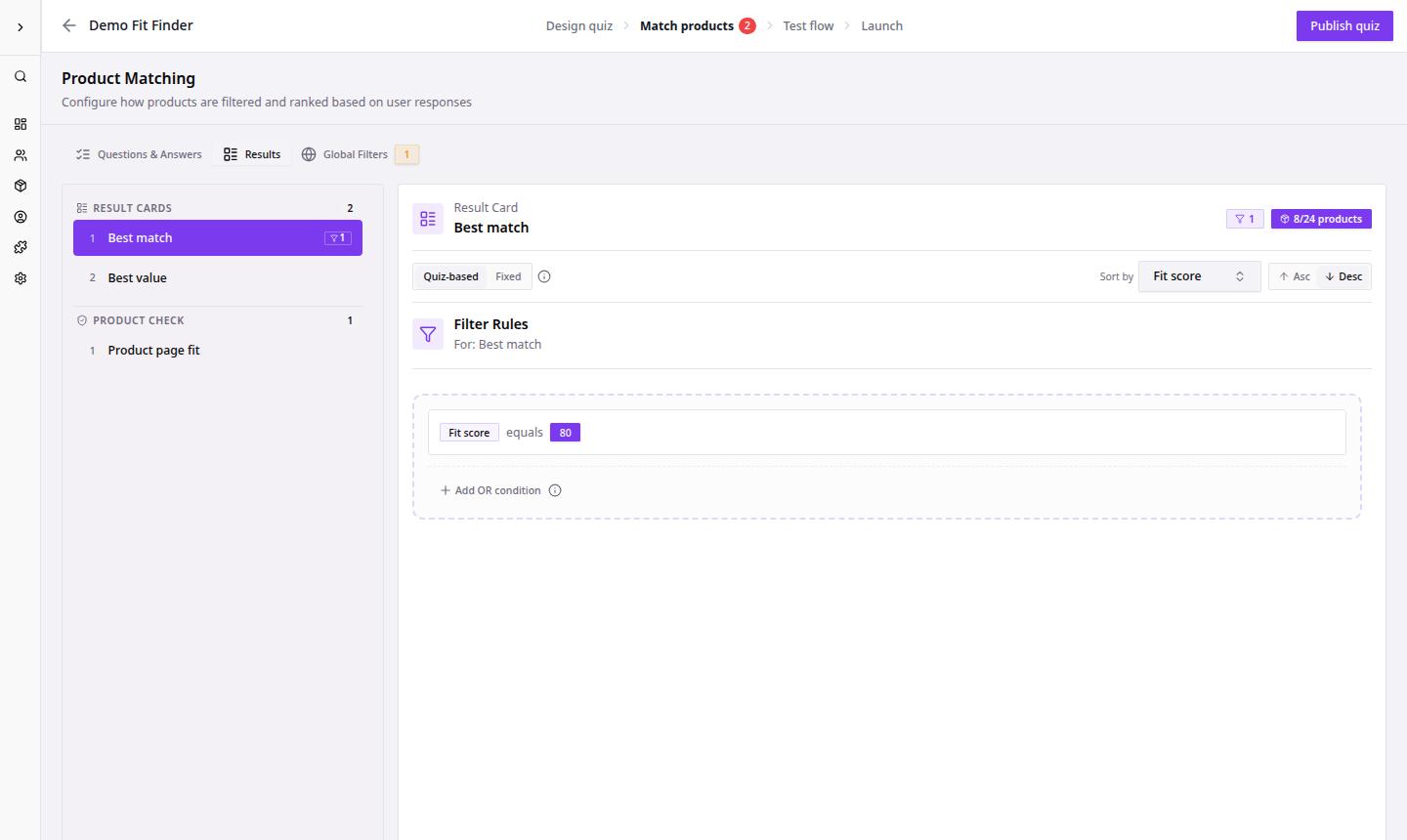
- Go to Dashboard.
- Open the quiz funnel.
- Click Match products.
- Open Result Cards.
- Click Click to add result or select the plus icon in Result Cards.
- Name the card clearly.
- Add filters if the card should show a specific subset of products.
- Preview the result page.
After creating cards, shoppers can see recommendation groups that make the result page easier to scan.
Card Ideas
| Card type | Use it for |
|---|---|
| Best match | Primary recommendations from the quiz answers. |
| Alternative | Products that match most but not all preferences. |
| Bundle or routine | Products meant to work together. |
| Upgrade | Premium or higher-margin recommendations. |