
Download the Google Tag Manager configuration when you want a preconfigured container for bluebarry quiz events and GA4 tracking.
Download the Configuration
- Go to Integrations.
- Open Marketing & analytics.
- Find the Google Tag Manager card.
- Click Download config.
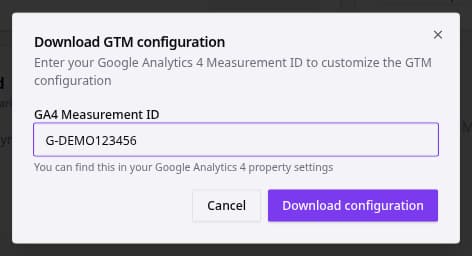
- Enter the GA4 Measurement ID.
- Click Download configuration.
- Import the downloaded
bluebarry-gtm-config.jsonfile into Google Tag Manager. - Publish the GTM container after you have reviewed the imported tags and triggers.