
Use the migration flow when an older Microsoft sign-in account needs to move to bluebarry native email and password authentication.
Start the Migration
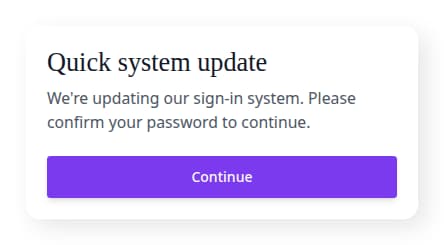
- Go to the bluebarry sign-in page.
- Enter the email address that previously used Microsoft sign-in.
- When bluebarry shows Quick system update, click Continue.
- Complete the Microsoft verification step.
- Enter a new bluebarry password and confirm it.
- Click Complete update.
- After the update completes, sign in with your email and new password.