
Use organization language settings to choose which languages are available when your team prepares multilingual quiz content.
Choose Available Languages
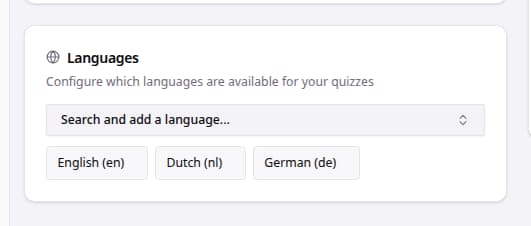
- Go to Settings.
- Click Organization.
- Find Languages.
- Use Search and add a language... to add another supported language.
- Review the selected language tags.
- Remove a language only after confirming your team no longer needs it for quiz content.
Language Checklist
| Area | What to review |
|---|---|
| Storefront coverage | Add the languages your storefront and campaigns support. |
| Quiz content | Confirm questions, answers, start pages, and results are reviewed for each language before launch. |
| Team process | Make sure translators or reviewers know which languages are enabled. |